
How do I create a work schedule template?
Settings → Work Schedule → Add (or open an existing one).
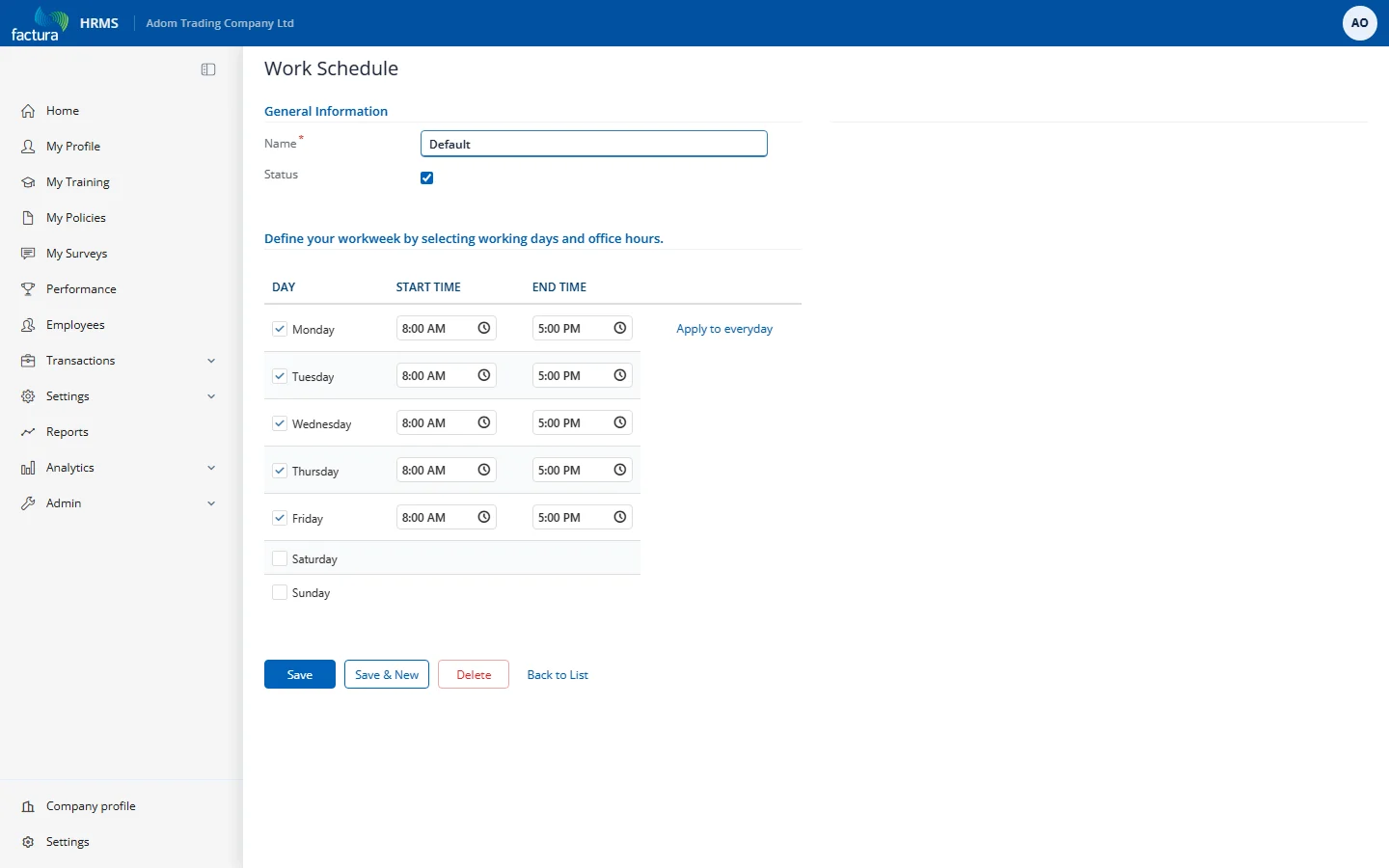
- Name — what HR and employees will see, e.g. Default, Night Shift, Afternoon Shift.
- Status — untick to retire a template without deleting it.
- Day grid — tick the working days and set start/end times per day. Unticked days are that schedule's weekly offs. Use Apply to everyday to copy one row's times to all working days.
Templates are fixed weekly patterns (the same Monday–Sunday shape every week). Rotating rosters are not part of this module.
Tip — create the template before you need it: assignments and defaults can only point at schedules that already exist.