
How do I set up training assessments?
The Assessments tab appears after a program reaches Completed status (Status >= 3). It records post-training evaluations of participant performance.
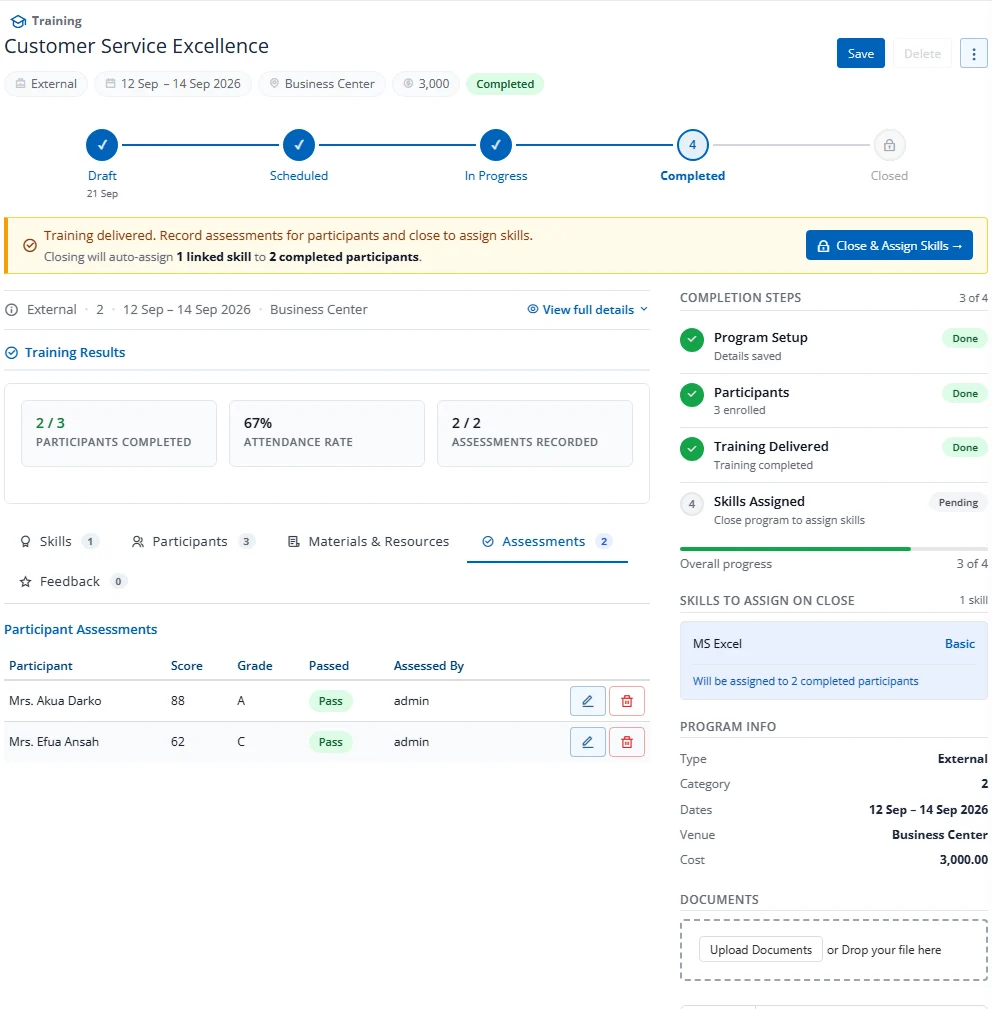
Adding an Assessment
- Click the Assessments tab (visible only for Completed/Closed programs)
- Select a Participant from the dropdown
- Enter Score (0-100), Grade, and Passed (Yes/No)
- Optionally fill in Assessed By, Feedback, and Recommendations
- Click Add Assessment
Assessment-Before-Close Gate
If the setting Require assessment before close is enabled, the system will block the Close & Assign Skills action until all completed participants have been assessed.