
How do I generate mid-month payroll reports?
Go to Reports and open any of these. Set Pay Run = Mid-Month.
| Report | Use it for |
|---|---|
| Bank Transfer | the payment listing for bank-paid employees |
| Bank Transfer Summary | the same money totalled per bank |
| Bank Transfer - Custom Template | a bank-specific file layout (ADB, Zenith, UBA, Stanchart, …) |
| Cash Transfer | employees not paid by bank |
| Mid Month Details | every mid-month payee and amount, whatever the pay mode |
| Payroll Journal (+ by Cost Center, by Group) | the accounting entries |
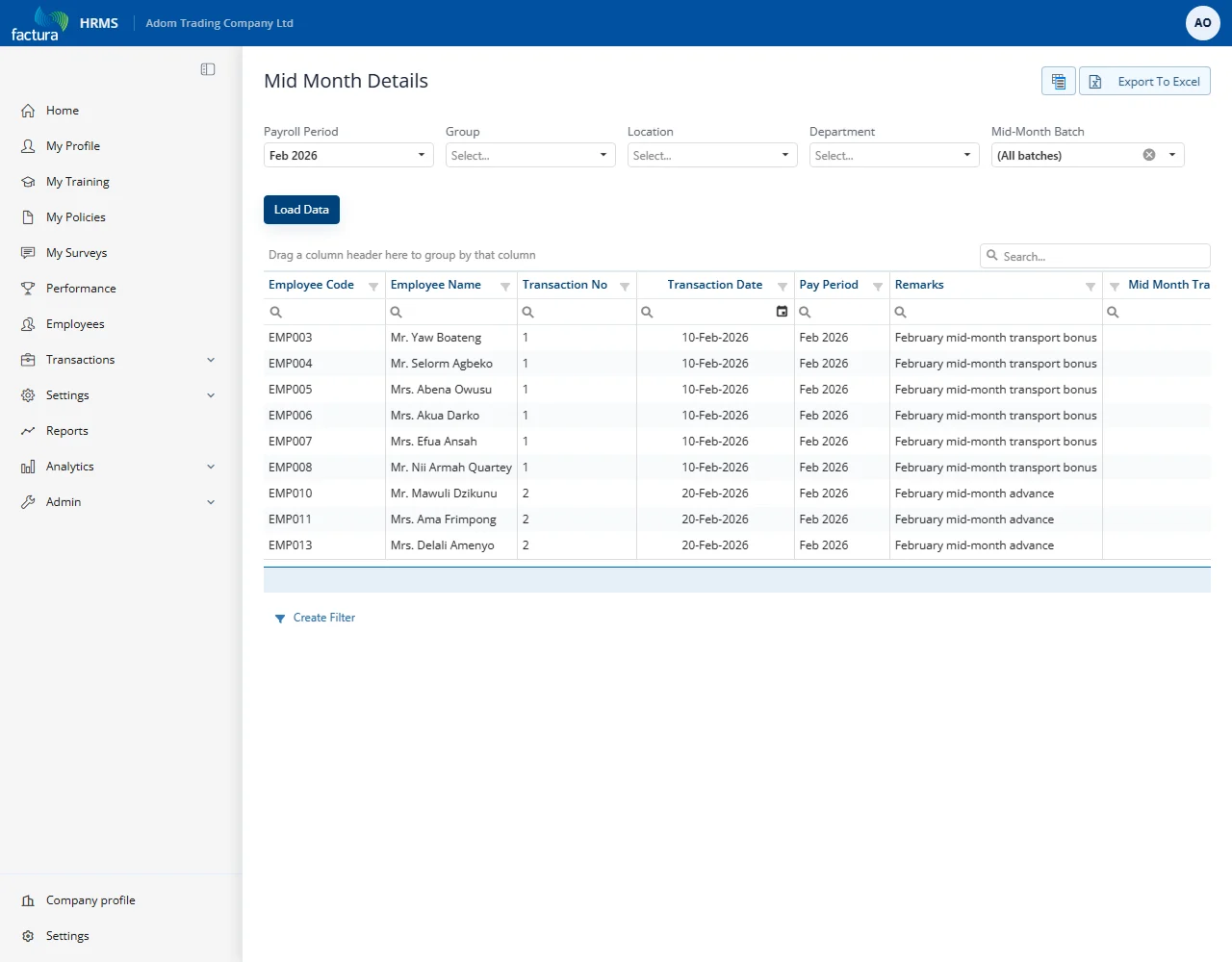
The Mid-Month Batch filter
Bank Transfer, Bank Transfer Summary, Cash Transfer, Bank Transfer - Custom Template and Mid Month Details all carry a Mid-Month Batch dropdown.
- (All batches) - every batch in the period, combined into one file.
- A single batch - only that batch.
Use a single batch when you are paying batches separately, so you do not pay the same batch twice in two different files. The dropdown also shows on non-mid-month pay runs, where it does nothing; leaving it on (All batches) is harmless.
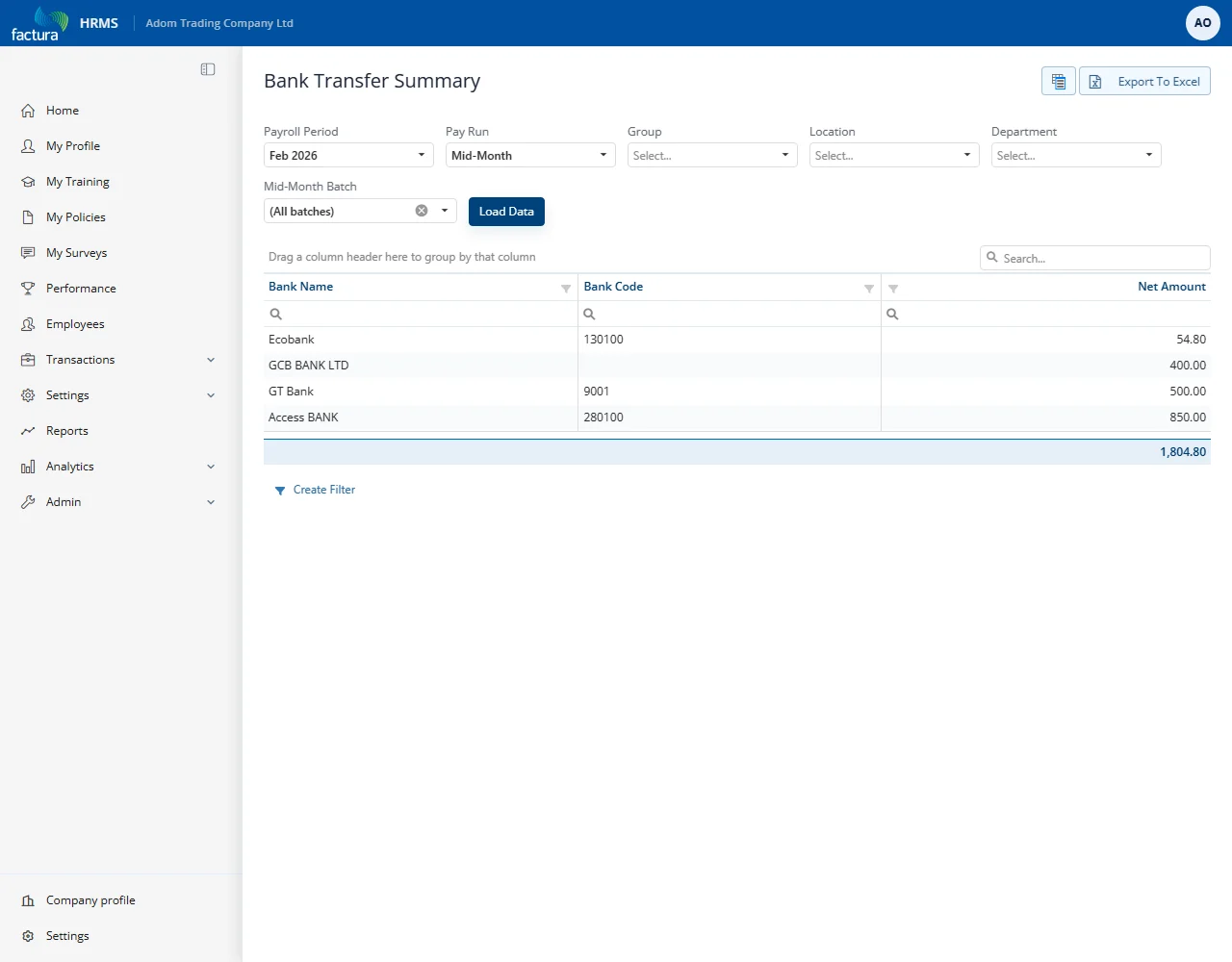
One report that does not support mid-month
Bank Transfer (CSV) cannot produce a mid-month file. Its bank templates have no mid-month path, and forcing it would produce a file with a header, a trailer and no payment rows - a valid-looking instruction to pay nobody.
It therefore does not offer Mid-Month in the Pay Run list, and refuses it with a clear message if reached another way. Use Bank Transfer, Bank Transfer - Custom Template, Cash Transfer or Mid Month Details.
Checking the money adds up
A quick self-check before you send anything to the bank:
Bank Transfer total + Cash Transfer total = Mid Month Details total
and each Payroll Journal should balance (Debit = Credit) to that same figure. If those do not agree, stop and investigate before paying.