
How do I choose who receives a survey?
The Audience tab decides who gets invited. Rules are a union — an employee matching any rule is included, once.
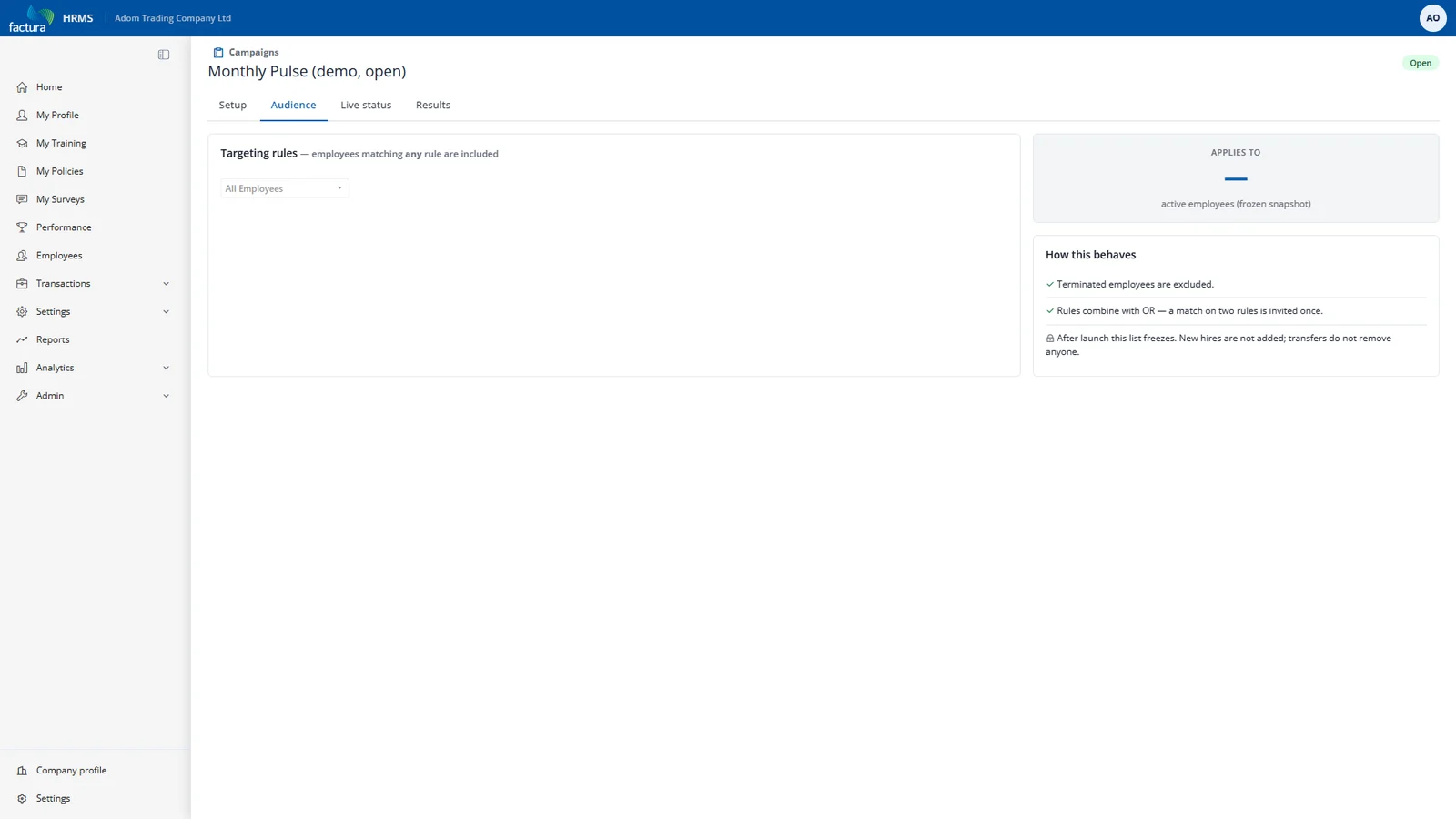
| Rule | Targets |
|---|---|
| All employees | Everyone active. Must be added explicitly. |
| Department | One department. |
| Location | One location. |
| Employee Type | One employee group. |
| Employee | One named individual. |
Zero rules means nobody, never everybody. A campaign with an empty audience cannot be launched — the launch is blocked with the reason shown on screen. This inversion is deliberate: the failure mode of "empty means everyone" is mailing a confidential survey to the entire company by accident.
Editing the audience replaces the whole set in one transaction, so you never see a half-applied audience. If a rule points at something that has since been deleted, the tab shows a warning chip and the resolver skips it.
After launch the audience is frozen. The invitation list captured at launch is the sole authority on who may answer — someone who joins the department next week is not silently added, and someone who transfers out does not lose the invitation they already hold.