
How do I use the task calendar?
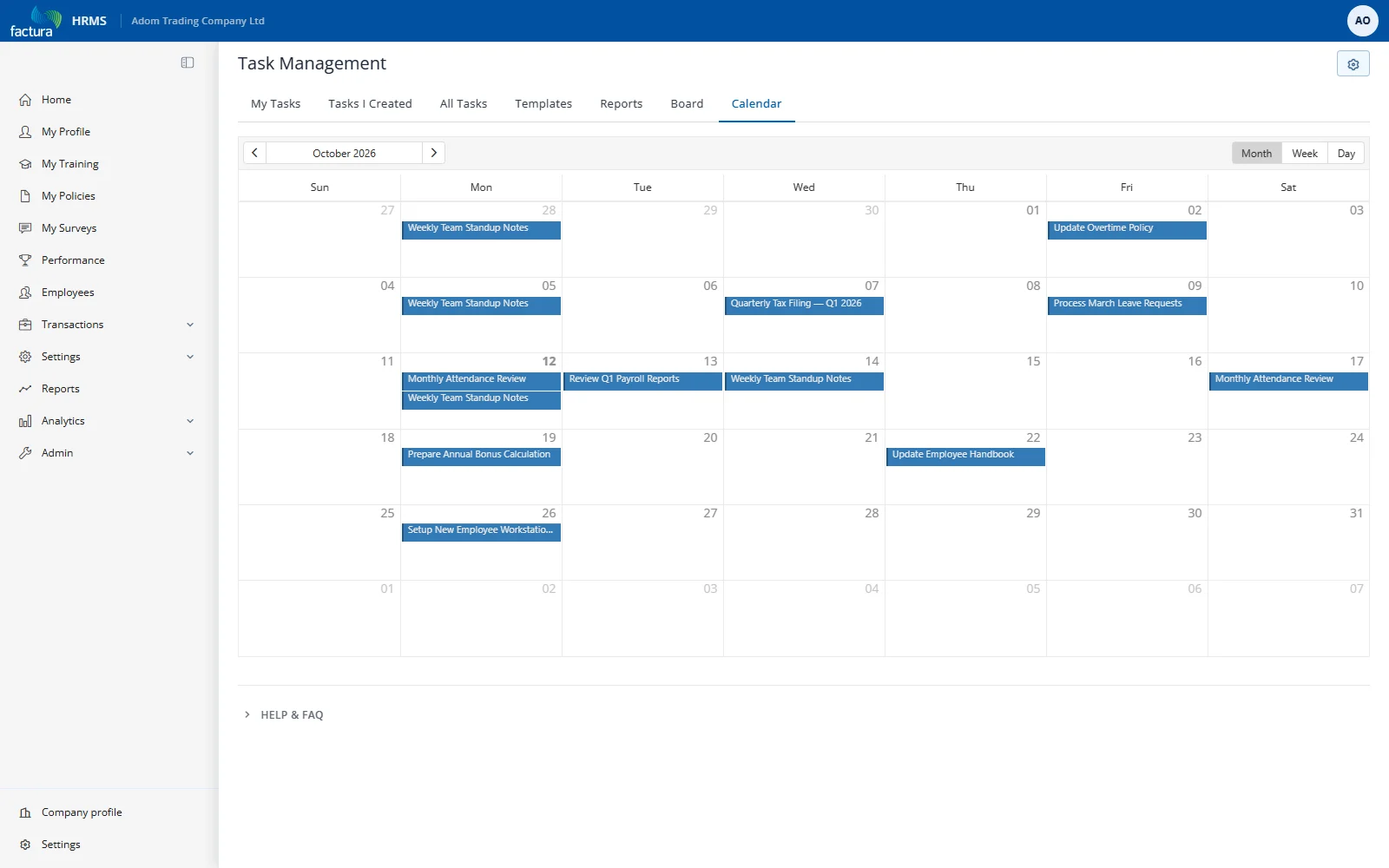
The Calendar tab displays tasks as events on a calendar, color-coded by priority.
Features
| Feature | Details |
|---|---|
| Views | Month (default), Week, Day — switch using the buttons at the top right of the calendar |
| Navigation | Arrow buttons to move forward/backward |
| Color coding | Grey = Low, Blue = Medium, Orange = High, Red = Urgent |
| Click to open | Click any task event to navigate to the edit form |
| Click to create | Click an empty date to create a new task with that due date pre-filled |