How do I set goals and add check-ins?
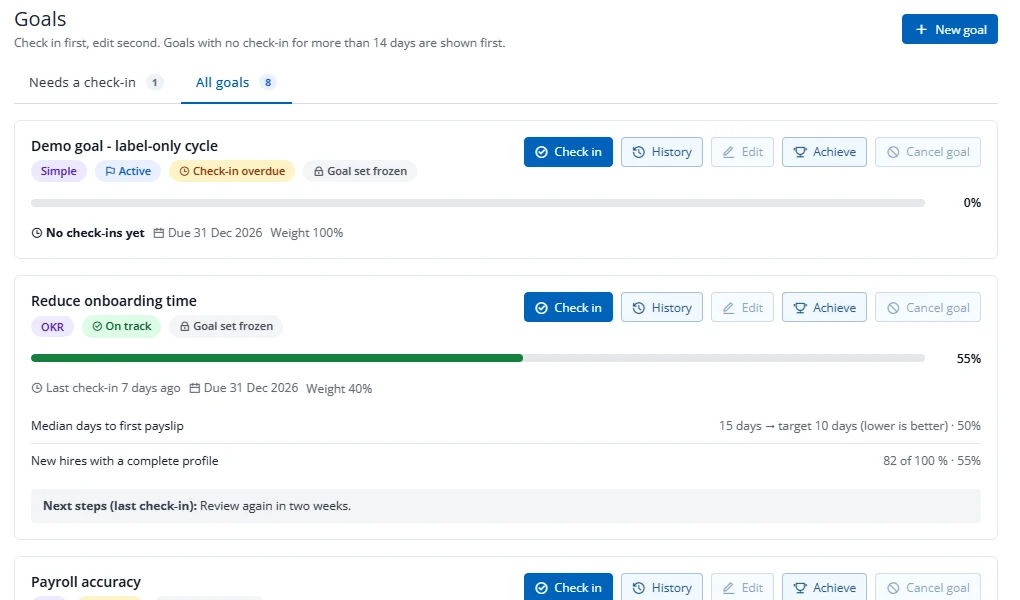
- Open My goals. Press New goal and choose Simple, OKR (with key results) or KPI (with a target).
- Publish the goal to make it active.
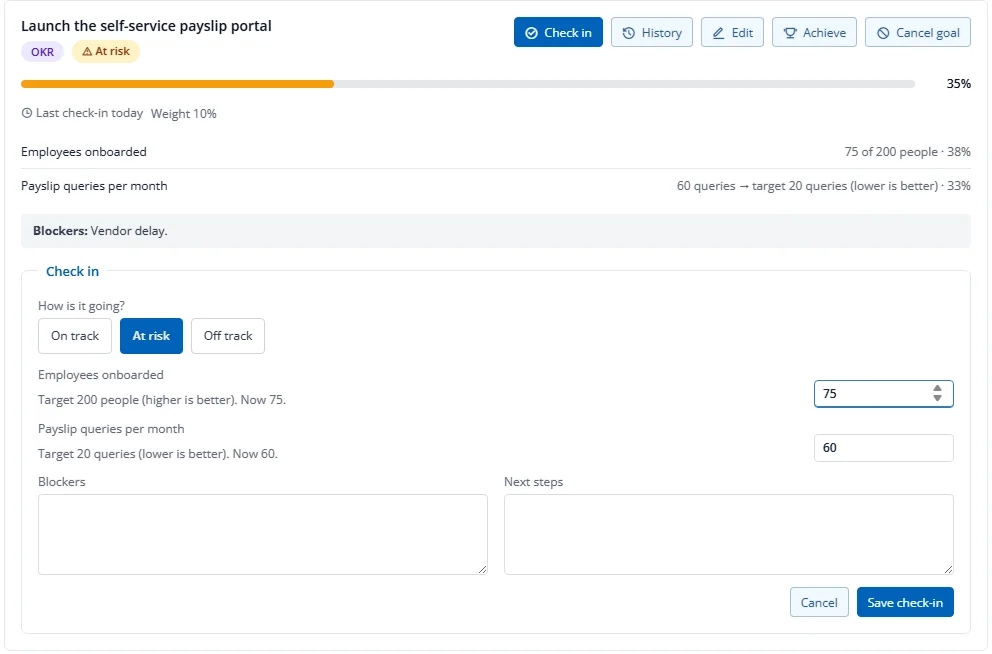
- Check in regularly: press Check in, choose how it is going (on track, at risk, off track), enter the progress or latest reading, and add next steps and blockers.
Goals with no check-in for 14 days are listed first under Needs a check-in. Once your manager submits your review, your goal set is frozen for that cycle (no new goals or edits), but you can still check in. Achieve marks a goal as done.