
How do I add questions to a survey?
The Questions tab is a section-grouped editor. Questions belong to sections (e.g. Leadership, Growth, Workload, Advocacy), and sections are what employees page through when answering.
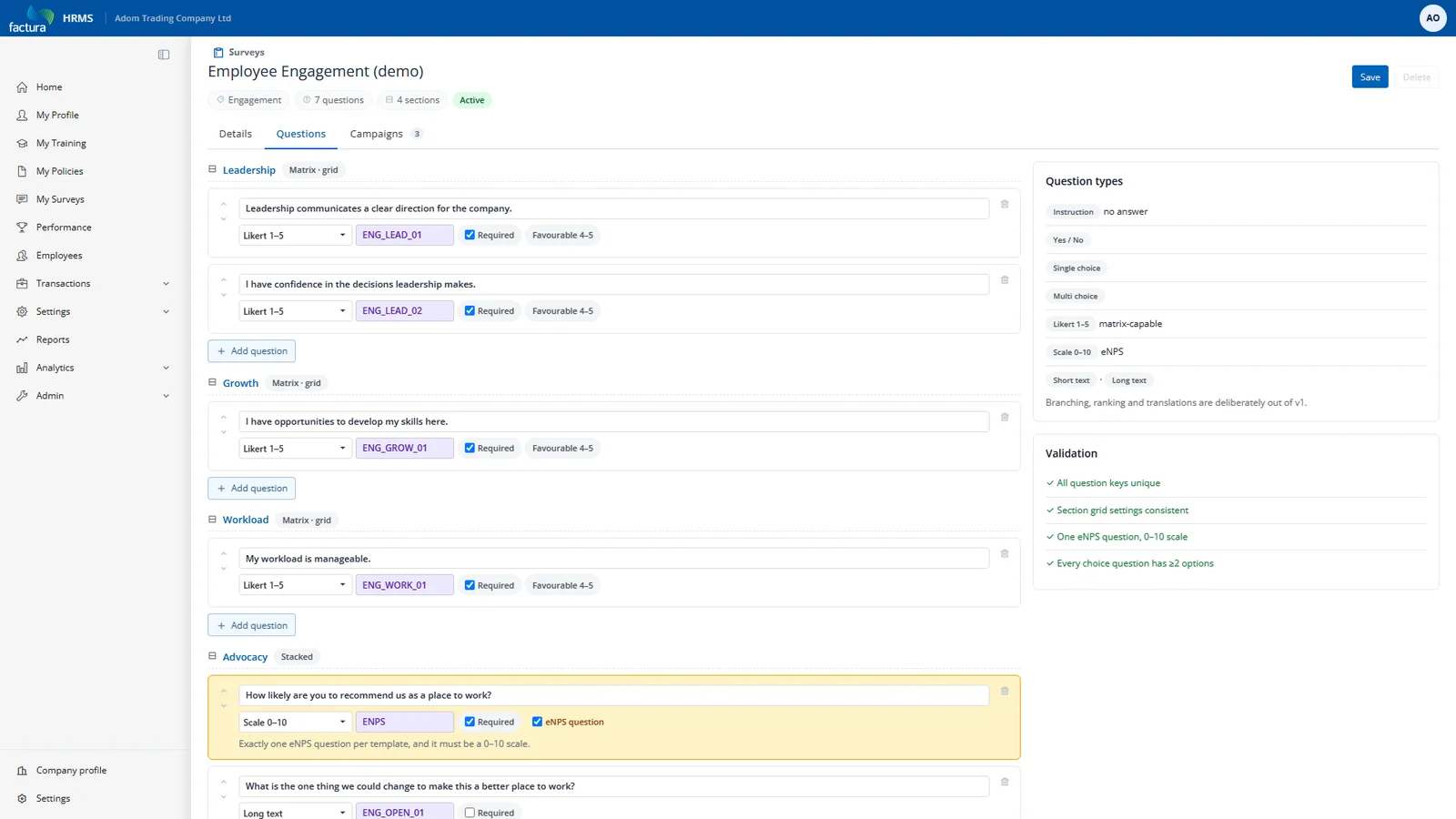
Question types
| Type | Use it for |
|---|---|
| Instruction | A block of text with no answer — section preamble. |
| Yes / No | A simple binary. |
| Single choice | Pick one from a list of options you define. |
| Multi choice | Pick any number from a list. |
| Likert (5-point) | Strongly disagree → Strongly agree. The workhorse of engagement surveys. |
| Scale 0–10 | An eleven-point scale. Required for the eNPS question. |
| Short text | One line of free text. |
| Long text | A comment box. |
Fields that matter
- Question key — a stable short code (
ENG_LEAD_01). This is what makes trends work. Two campaigns' scores are only compared when the key and the scale match. If you reword a question so its meaning changes, give it a new key — the system cannot detect rewording, and comparing the old score to the new one would be misleading. - Section name / order — grouping and paging.
- Display as grid — renders the section's Likert questions as a single matrix instead of separate blocks. Compact and much faster to complete.
- Required — the employee cannot move past the section without answering.
- Favourable range — for scored questions, which answers count as "favourable". For a 5-point Likert this is normally 4–5. This is what the favourability percentages are computed from.
- eNPS question — mark at most one question per campaign as the eNPS question. It must be a 0–10 scale. Promoters (9–10) minus detractors (0–6) gives the eNPS score.