
The field team's app for the same books.
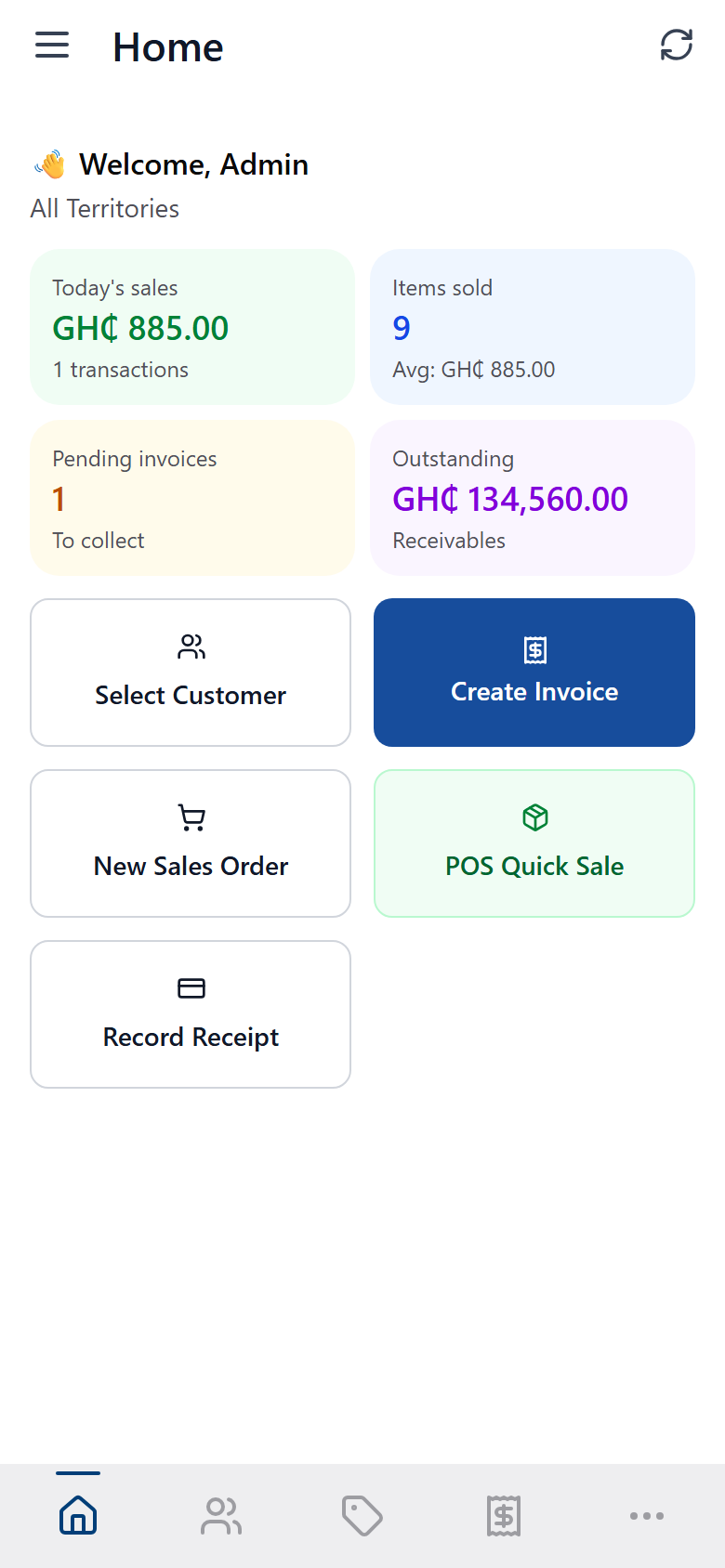
Orders, invoices, stock enquiry, collections and point of sale, entered on a phone, posted straight into the same Factura Financials ledger your office already works from.
Five things it does
The same shape as the desktop and web apps, reduced to a phone: pick a customer or an item, do the thing, and it posts to the books — not a separate app with its own idea of the truth.
Stock enquiry, per depot
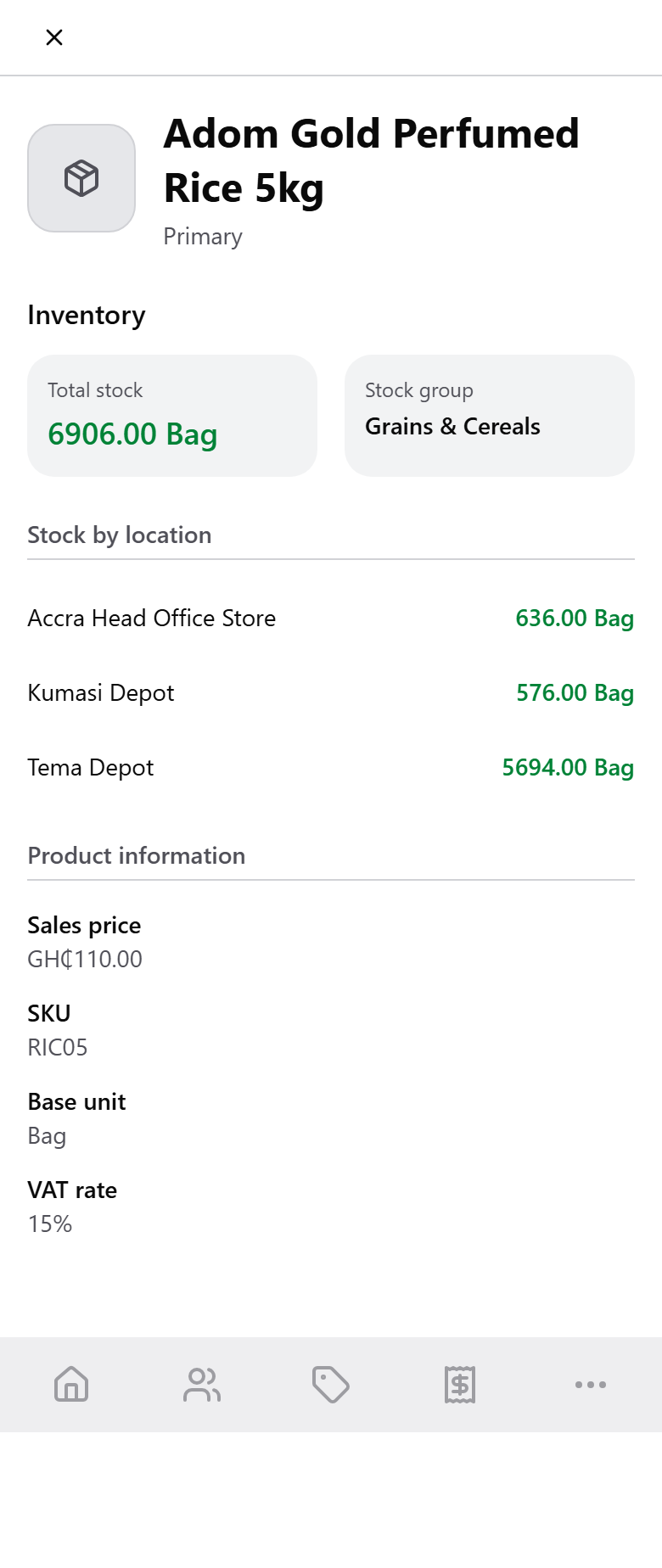
Open any item and see on-hand quantity broken out by depot, alongside the sales price and VAT rate Factura will use on the next line you write, real inventory, not one company-wide number.
Order entry, with a running total
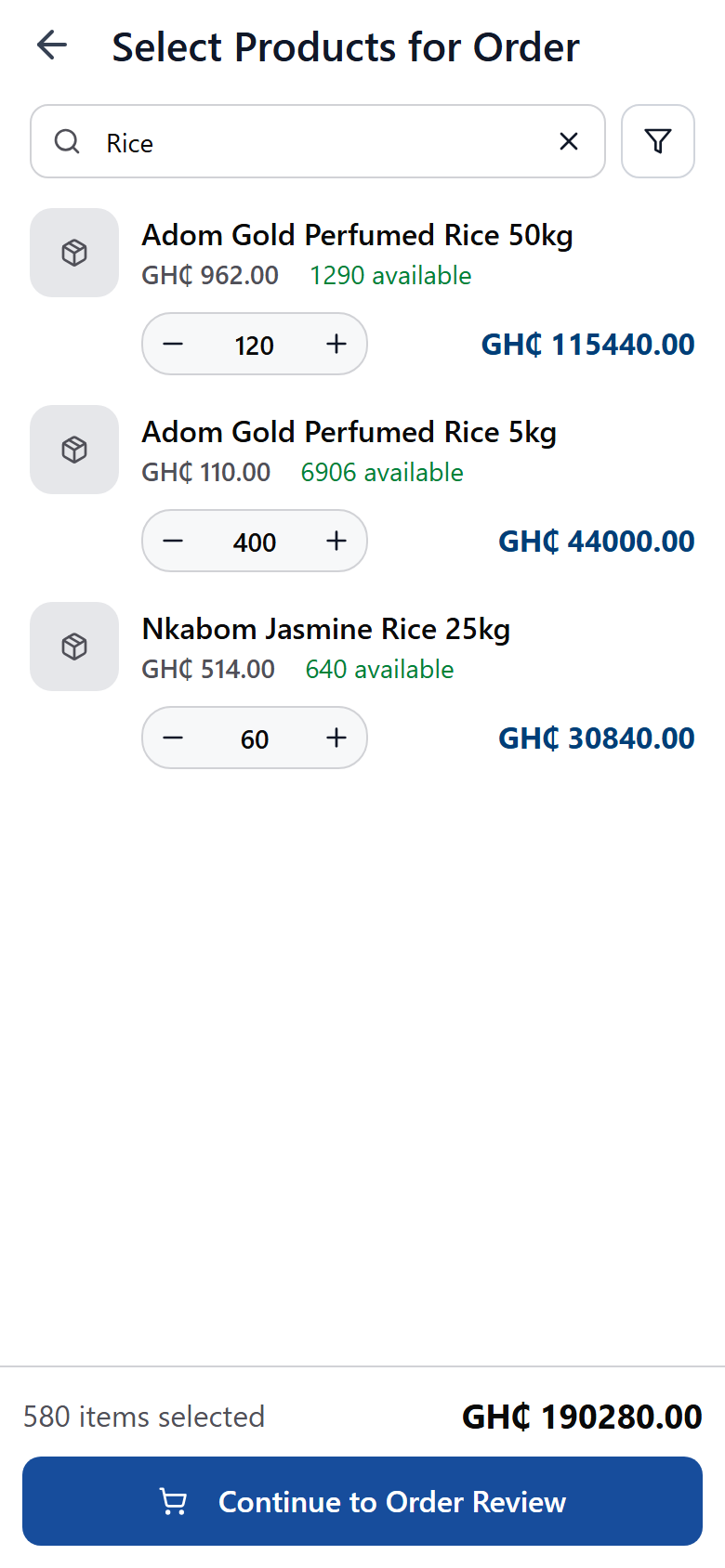
Search the catalogue, add lines, and the total builds as you go. A sales order posts as a document with no ledger or stock effect until it is invoiced — a commitment the office confirms later, not a live sale.
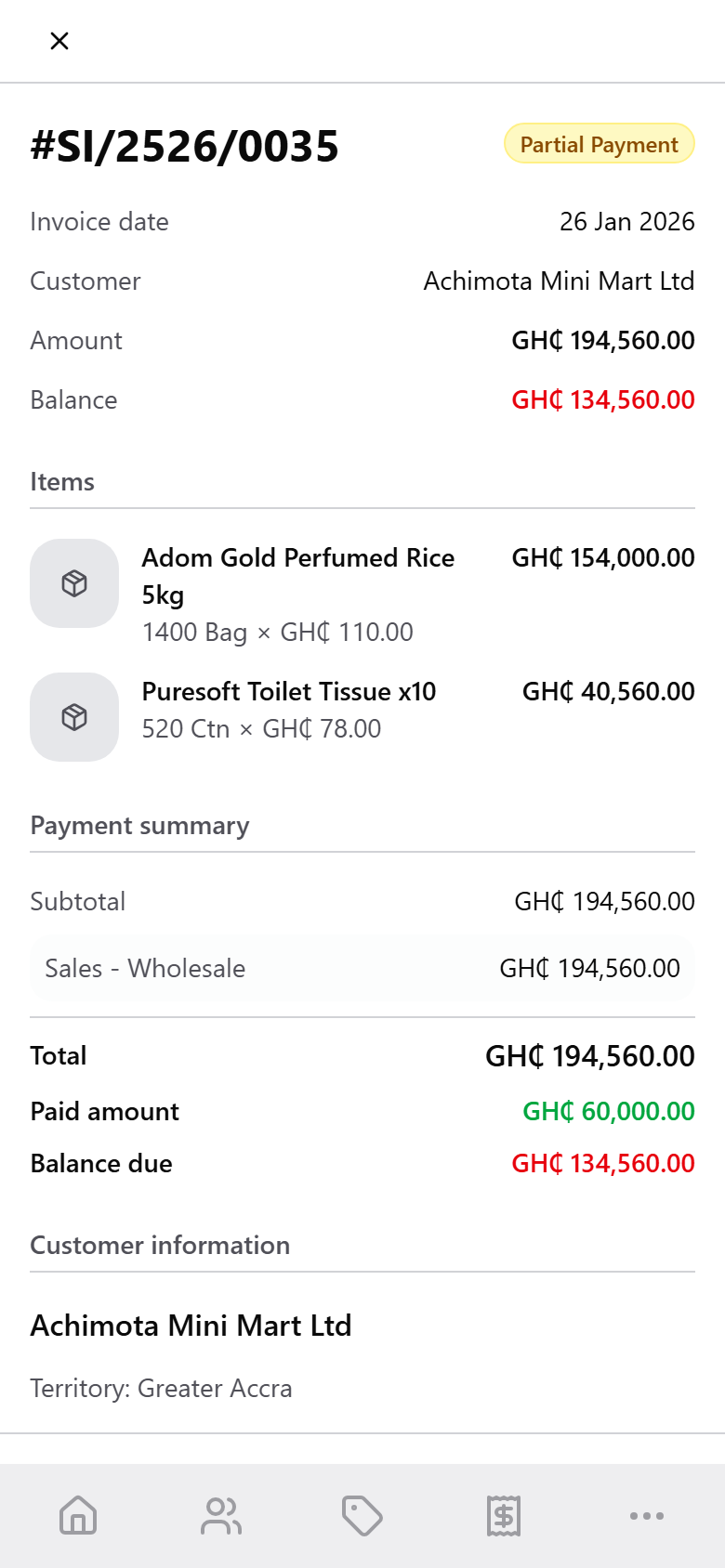
Invoices, with a bill-wise status
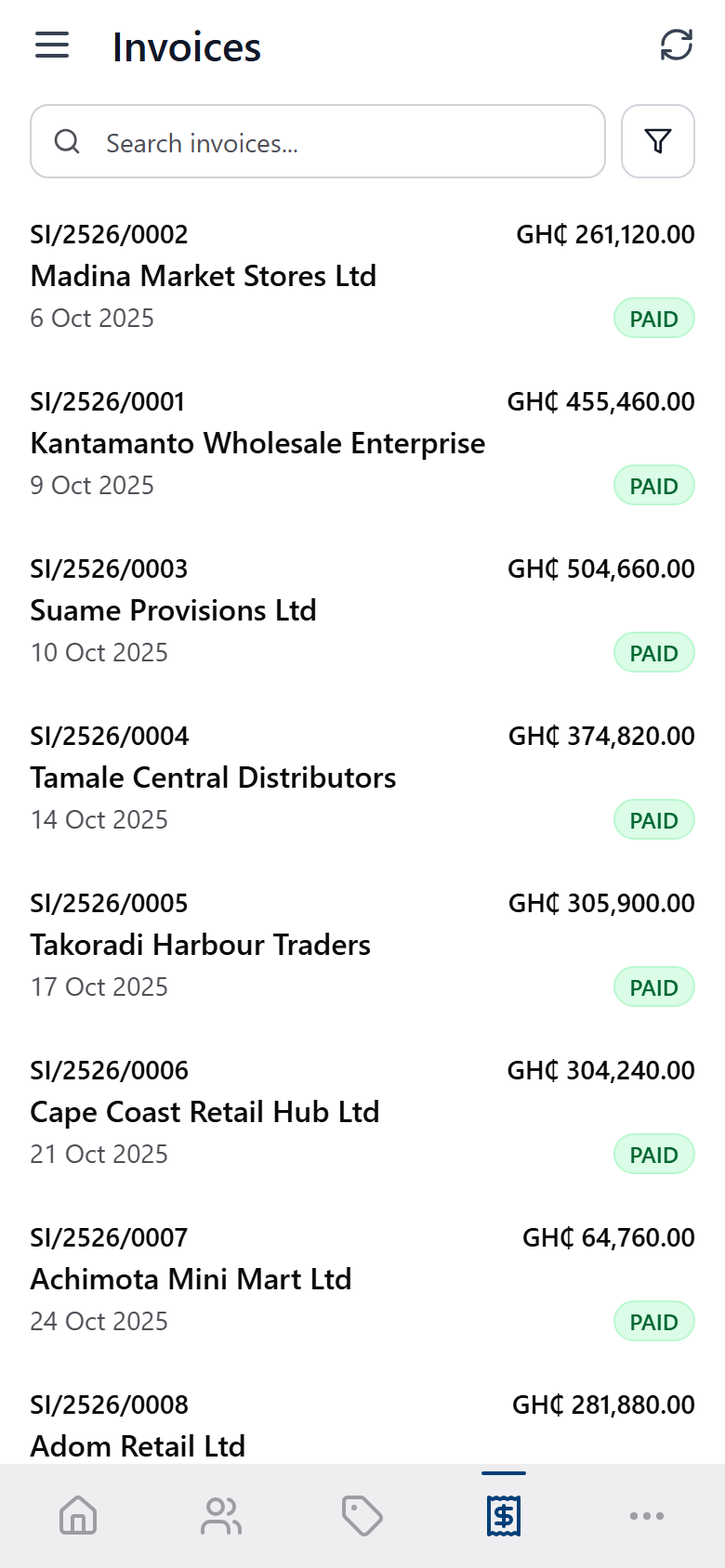
A credit sale opens a receivable the moment it is raised, and the phone shows the same bill-wise status, paid, partial, overdue, that the desktop and web apps track against it.
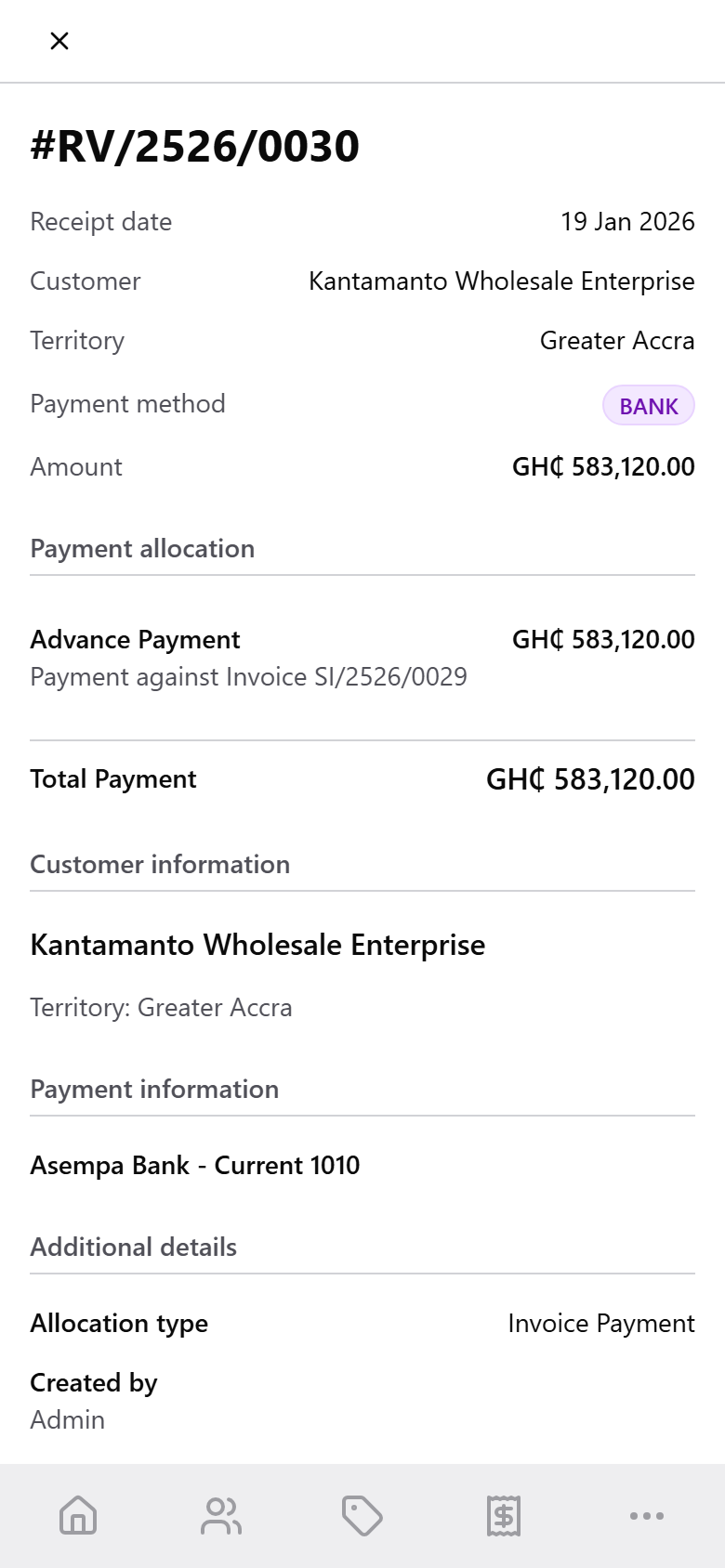
Collections, allocated to the bill they settle
Record what a customer pays and apply it against a named invoice, on account, or as an advance, the same bill-wise allocation Factura Financials' receivables ledger runs on, not a lump payment against the customer.
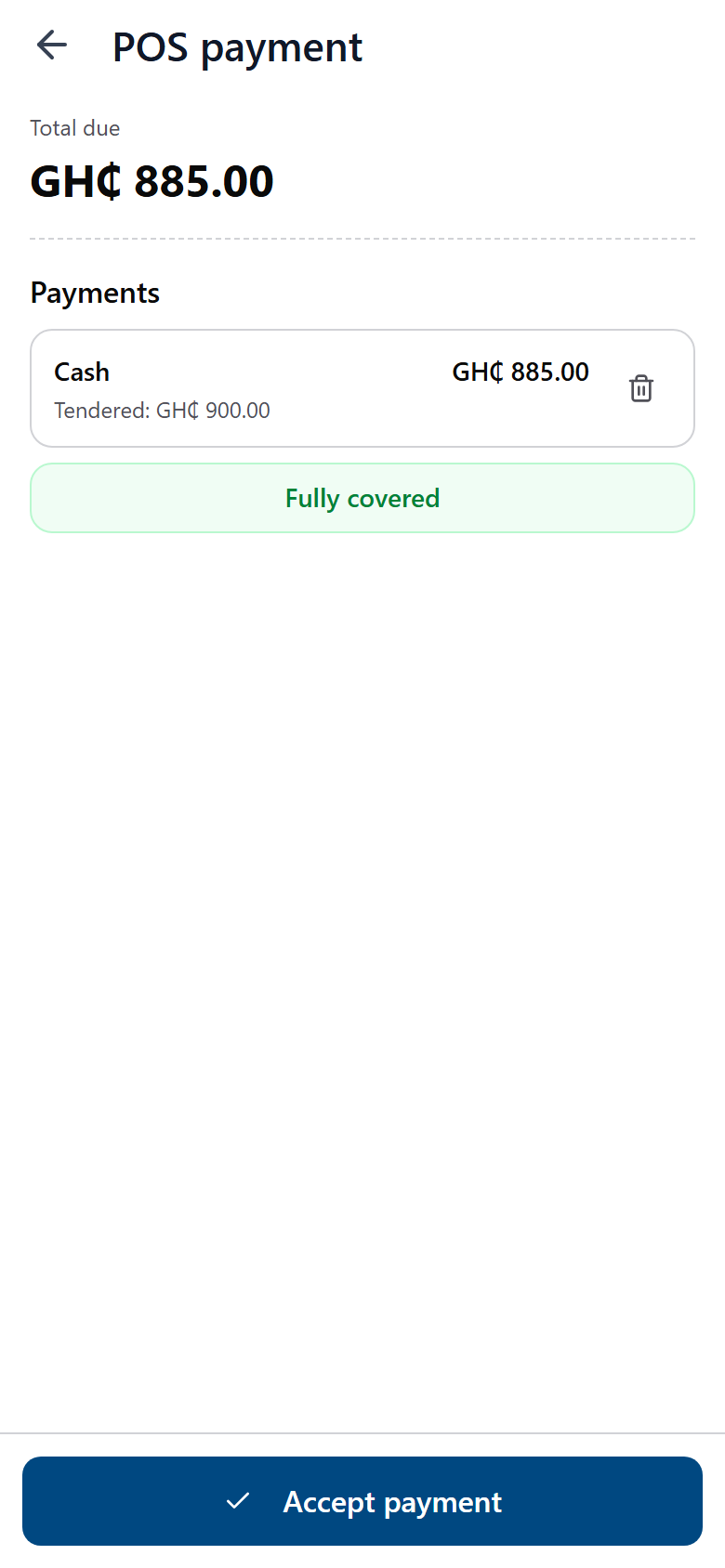
Point of sale, cash in hand
The same invoice flow with a cash-register front end: pick items, take the tender, and a fully paid sale posts immediately with no open bill behind it.
For a shop counter rather than a route, the same books also have a register in the browser, with shifts, blind counts, returns and layaway. See Factura POS →
Same books, same day
Nothing the phone writes is a separate record waiting to be reconciled. It reads and posts through Factura Financials' own masters and its own bill-wise ledger.
- Territory.
- Every customer carries a territory — the same field the desktop and web reports group and filter by.
- Price and VAT, per item.
- Prices and VAT rates are set once against each item in Financials; the phone reads them at the moment of sale, it does not set its own.
- Tenders.
- Cash, mobile money, bank transfer or cheque: whichever tenders your office has configured appear as the payment options on the phone, each posting to the ledger account behind it.
- Tax-inclusive pricing.
- Tax on an invoice or a POS sale follows the tax-inclusive voucher class your office has configured for that voucher type — the same class the desktop and web apps use.
- Bill-wise, both ways.
- A credit sale posts a Sales voucher with a bill-wise receivable; a receipt posts against that same bill, however you choose to allocate it. A sales order carries no ledger or stock effect until it is invoiced.
What it needs
Four things, stated plainly rather than assumed.
- A Factura Financials instance, running its Web API.
- The phone holds no database of its own; every screen calls your Factura Financials Web API and reads and writes the same masters and vouchers your office uses.
- An internet connection.
- Every order, invoice, receipt and POS sale is entered online. The app installs like an app on the phone, but it keeps no queue of transactions to send later — there is no offline entry.
- A mobile access permission, per user.
- Your admin switches on phone access for whoever should reach the app, the same way any other permission in Factura is granted.
- Voucher types that number themselves.
- Mobile documents post to voucher types set to automatic or continuous numbering; a dedicated “Mobile Sales” type is the usual setup. Numbers typed by hand duplicate across reps, so the app asks your admin to set this up rather than asking a rep for a number. If you keep a paper book, its number goes in the reference field as it always has.
See a month close, end to end
Thirty minutes. Post, reconcile, report — and you can stop us anywhere.