
How do I assign absence codes to an employee?
Each employee must be assigned the leave types they are entitled to. This is configured on the employee's Absence Codes tab.
Navigating to Employee Absence Codes
- Click Employees in the left sidebar.
- Open the employee record.
- Click the Absence Codes tab.
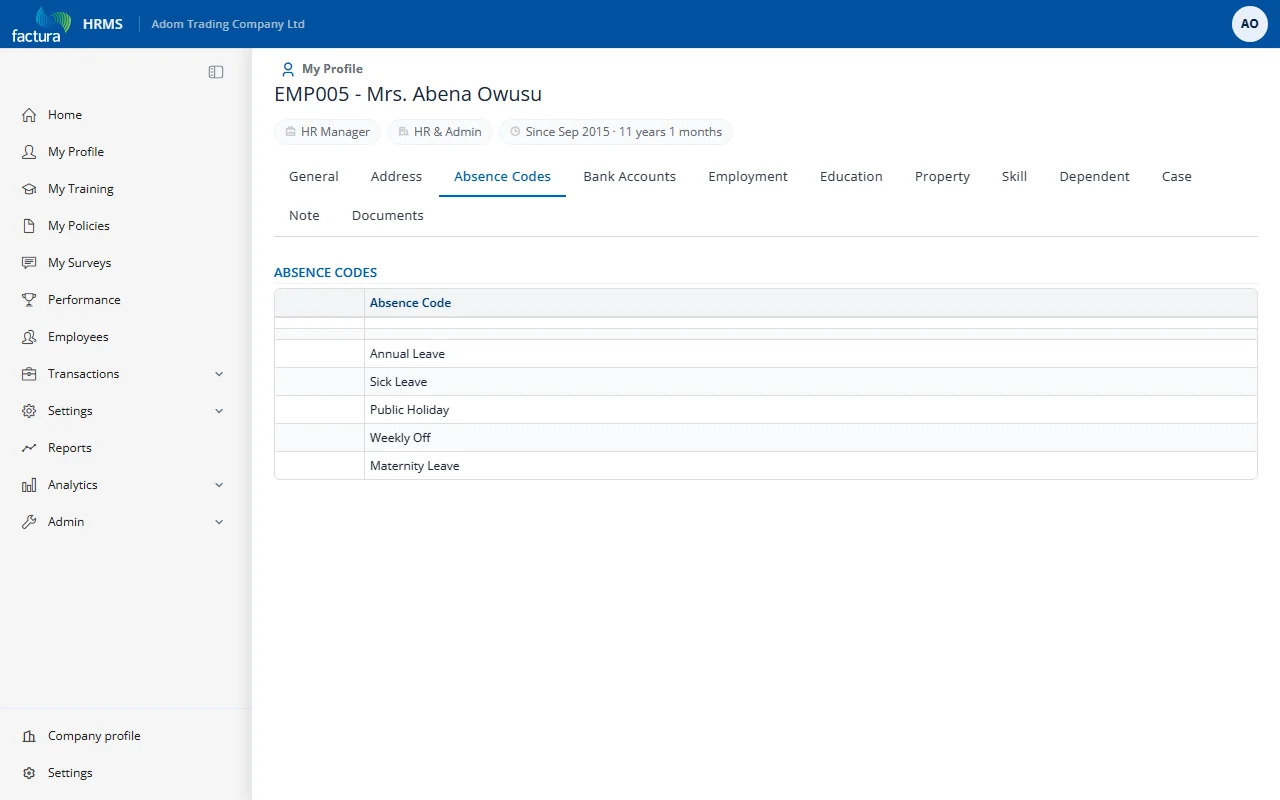
What You See
The tab displays a table of the leave types assigned to the employee:
| Column | Description |
|---|---|
| Absence Code | The leave type name (e.g., Annual Leave, Sick Leave, Study Leave, Maternity Leave) |
Managing Absence Codes
Users with edit rights on the employee record can manage the assigned leave types:
| Action | Description |
|---|---|
| Add | Assign a new leave type to the employee |
| Edit | Modify settings for an assigned leave type |
| Delete | Remove a leave type from the employee |
Important: An employee can only request leave for absence types that have been assigned to them. If a leave type does not appear in the employee's Absence Codes tab, they will not see it in the Leave Request form.