How do I use Performance on my phone?
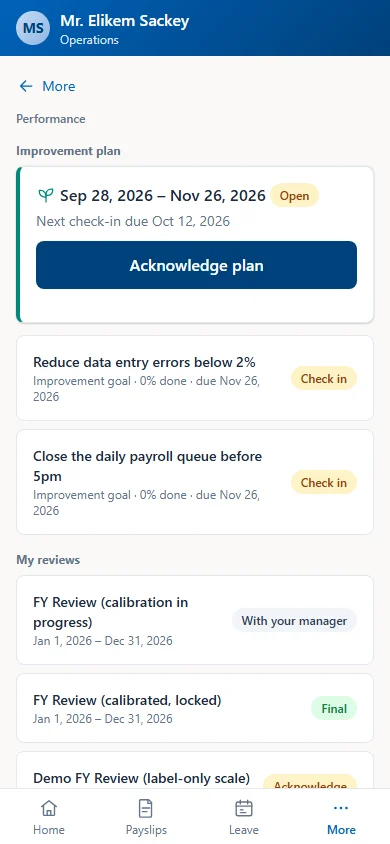
In the Factura mobile app, open More, then Performance. You can:
- write your self review, read and acknowledge your review, and check in on goals,
- choose peers, write peer reviews and read your peer feedback,
- acknowledge your improvement plan and check in on its goals,
- change your notification settings.
Approving peers, calibration and HR tasks are on the desktop only.