
How do I log out?
Always log out when you are done using the application, especially on shared or public computers.
Steps
- Click your avatar in the top-right corner of the screen.
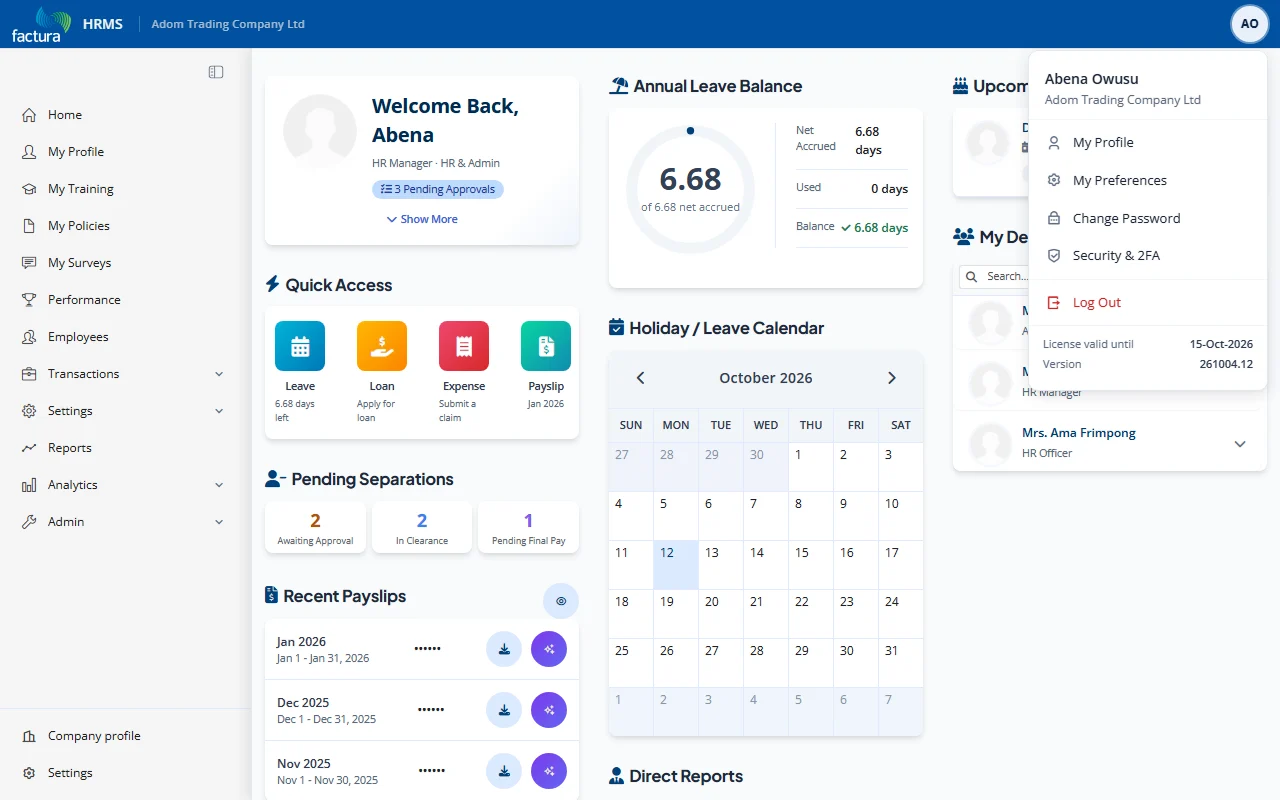
- Click Log Out from the menu.
- You are redirected to the Login page.
Tips
- Your session automatically expires after 30 minutes of inactivity. You will be redirected to the login page when this happens.
- For security, always log out manually rather than simply closing the browser, especially on shared devices.