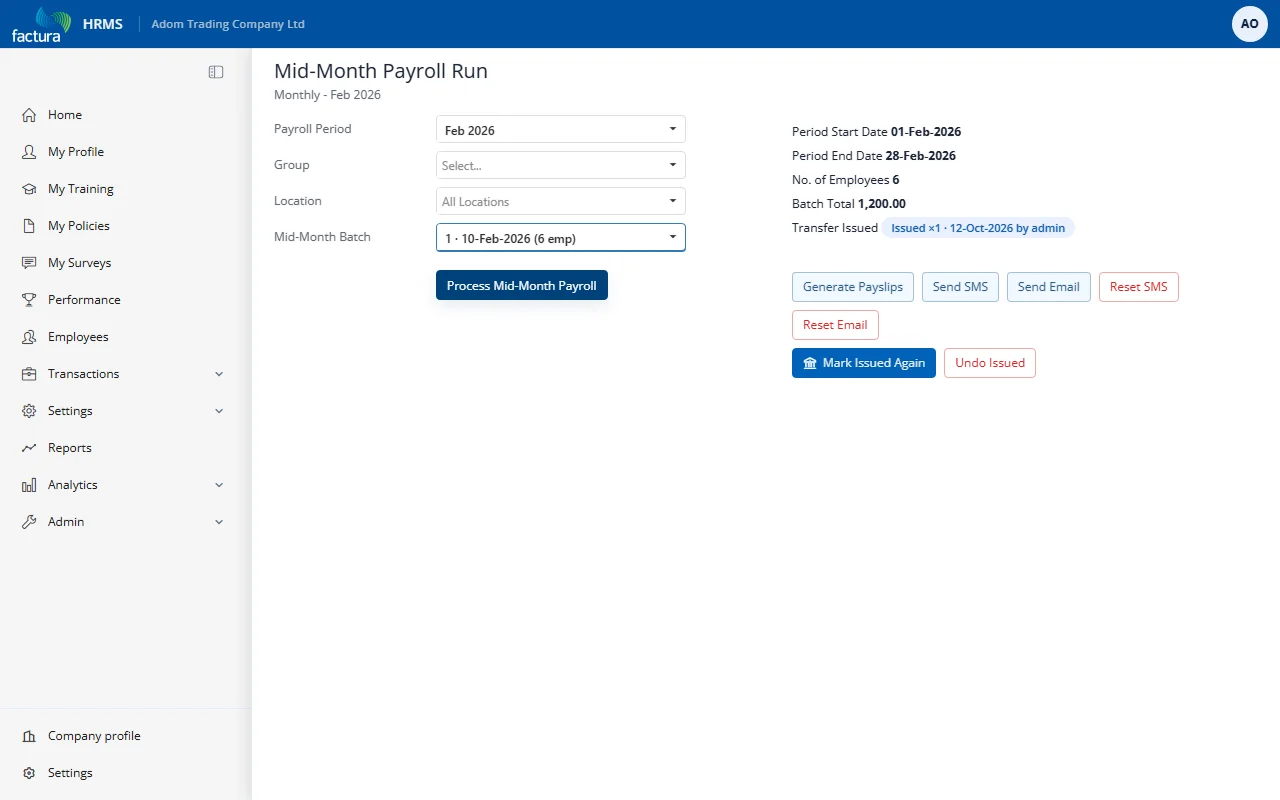
How do I mark a mid-month transfer as issued?
After you have sent a batch's file to the bank, click Mark Transfer Issued on the Mid-Month Payroll Run screen.
This exists to stop the same batch being paid twice. Once a batch is marked issued:
- the screen shows Transfer Issued with the date instead of Not issued;
- pressing it again is allowed but tells you it is being issued again, with a count - so a second payment is a deliberate act, not an accident;
- the batch can no longer be moved to another pay period, and its Use For Mid Month tick can no longer be changed. Both are refused with an explanation.
If you genuinely need to change an issued batch, use Undo Issued first.