How do I read and acknowledge my review?
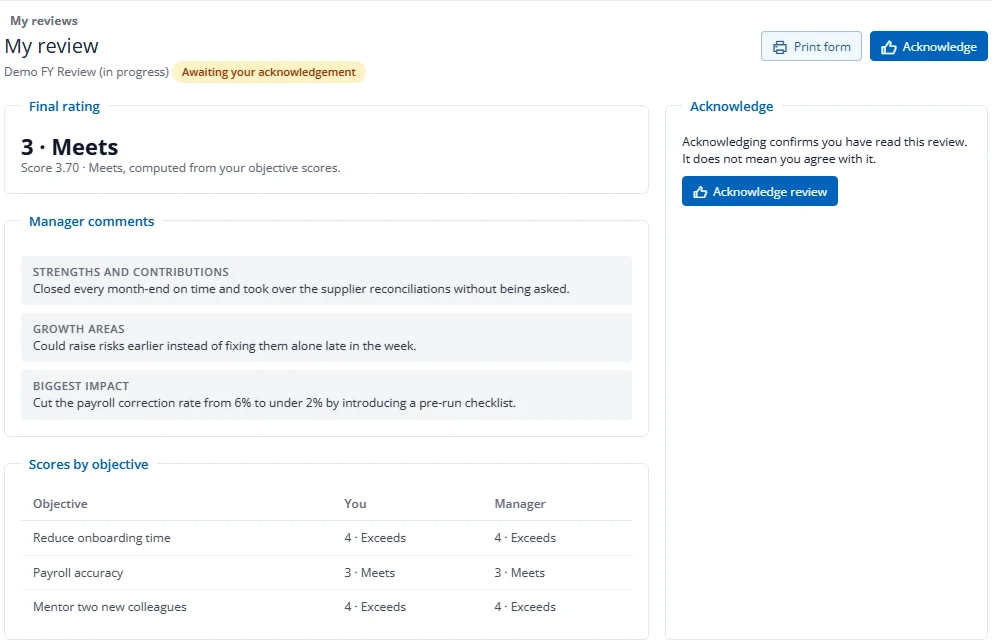
- When your manager shares your review you are notified. On your home, press Read and acknowledge.
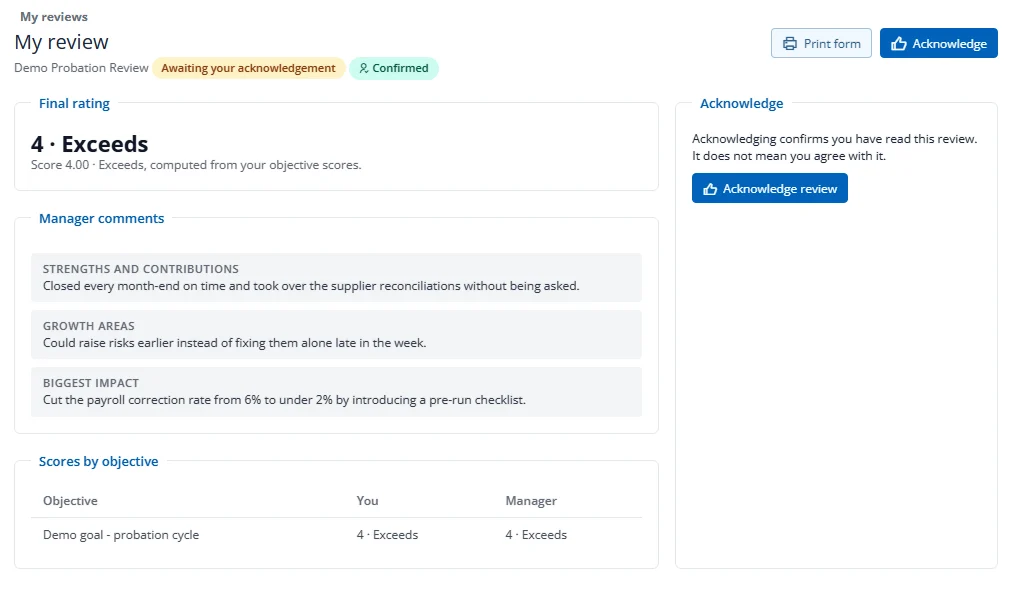
- Read the final rating, your manager's comments and the scores by objective.
- Press Acknowledge review.
Acknowledging confirms you have read the review. It does not mean you agree with it. Press Print form for a printable copy with signature lines. On a probation review, the outcome (for example Confirmed) is shown next to the title.
If HR changes your final rating after you have acknowledged your review, the review comes back to you as shared. Read the updated rating and acknowledge it again.