
How do I get started with tasks?
Accessing the Module
Open Tasks under Transactions in the left sidebar. This opens the Task Management page, which lists your tasks.
Creating Your First Task
- Click the + Add Task button (top-right of the page)
- Enter a Subject (required)
- Set a Due Date
- Under Assign To, select Employee(s) and pick one or more people
- Click Save
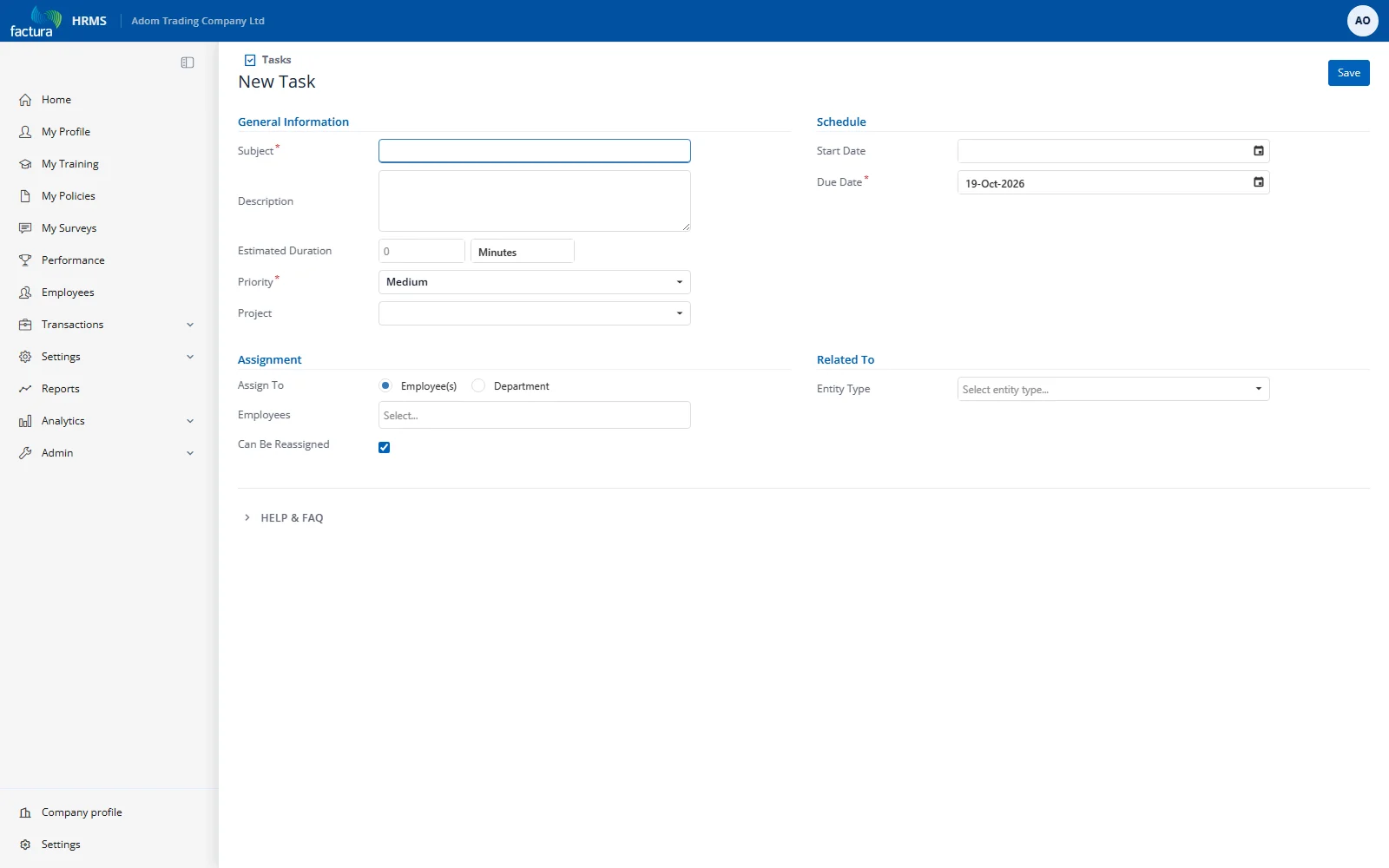
The task is created and assignees will receive an email notification (if enabled).