
How do survey comments and AI themes work?
Comments
The Comments tab shows verbatim written answers — but only once the comment threshold is met, counted in respondents. Below it, the tab states that the threshold has not been reached and shows nothing.
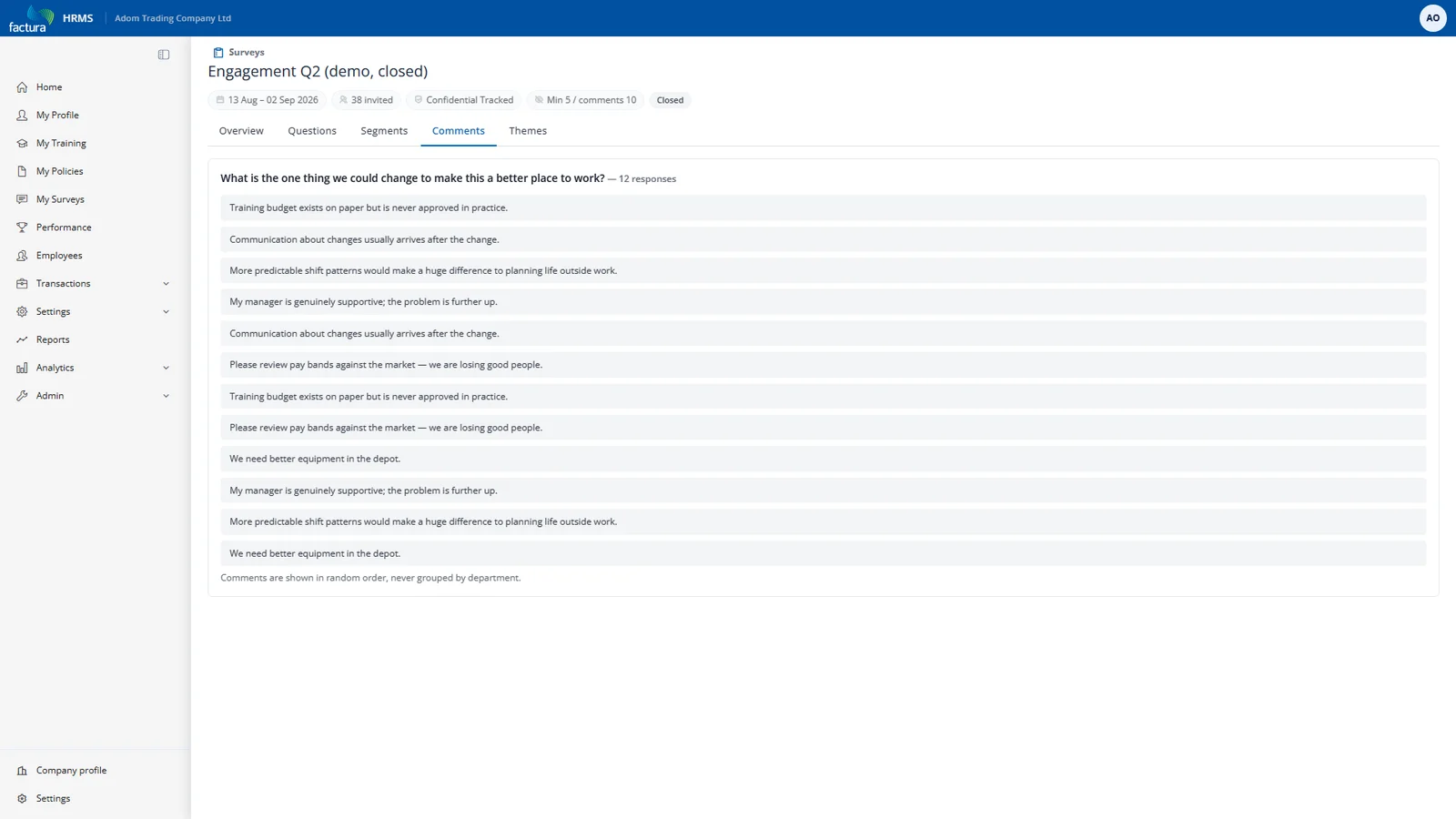
Comments carry no attribution — no name, no department, no tenure band. Segment attributes are deliberately not attached to comment text, because "the one person in Finance who wrote a comment" is an identification.
AI Themes
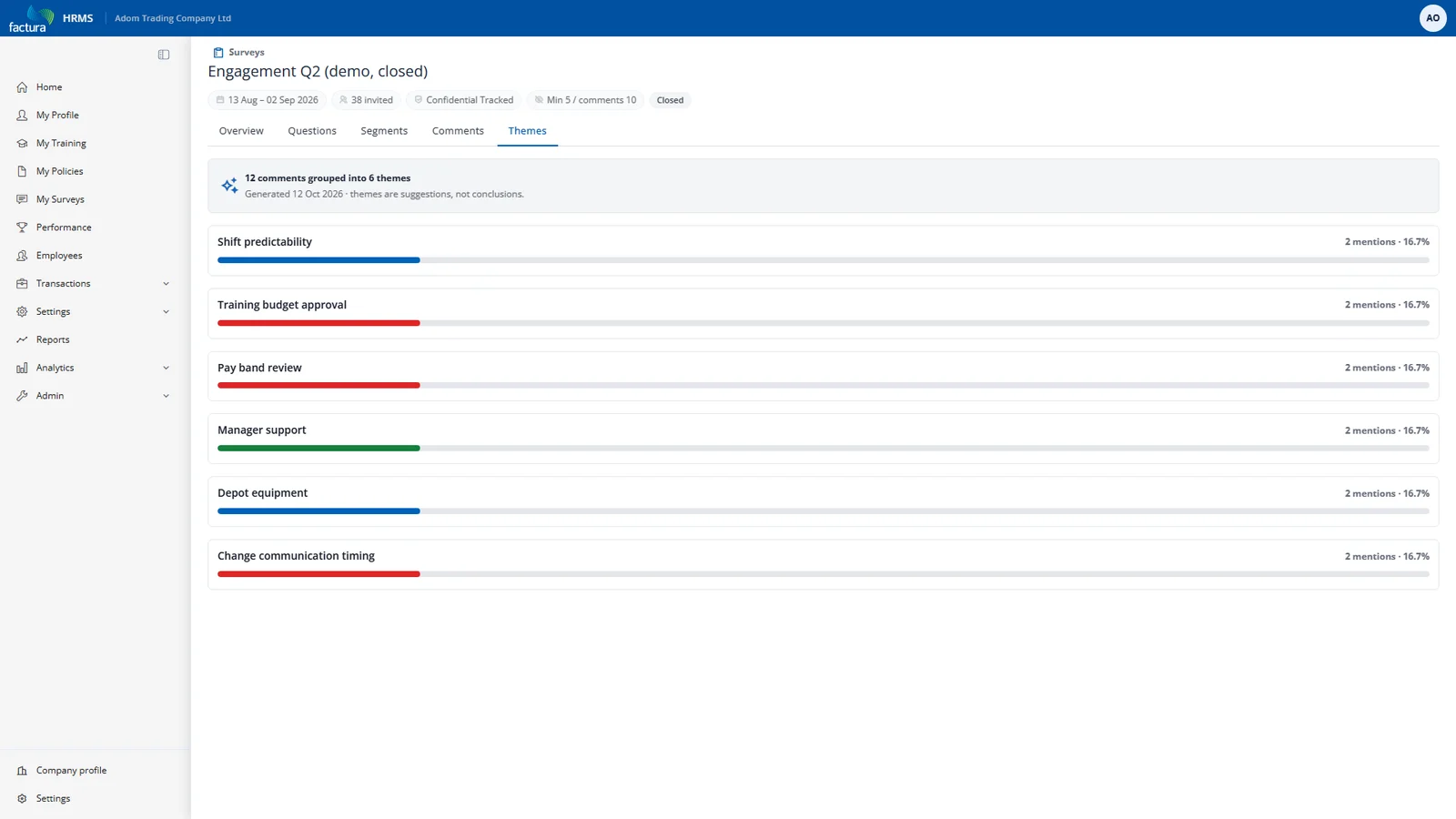
Off by default. When AI themes are switched on, the Themes tab groups written answers into recurring themes with a prevalence count.
What you need to know before turning it on:
- It sends comment text to an external AI provider. This is a deliberate, documented exception to Factura's usual rule that only anonymised aggregates leave the system, and employees are told about it in the confidentiality statement on the survey itself.
- It returns theme labels and counts only — never quotes, never paraphrases. A representative quote would re-identify the writer.
- It runs only once the comment threshold is met, like the Comments tab.
- Comment text is never written to the AI audit log, on either the success or the failure path.
The tab degrades to a stated reason rather than an error. You will see one of:
| Message | Meaning |
|---|---|
| "AI theme detection is switched off for this company." | The flag is off. |
| "N people left written answers; theme detection needs at least M." | Below the comment threshold. |
| "Theme detection is unavailable right now. Please try again later." | The AI provider could not be reached. |