How do I choose my peer reviewers?
When your cycle uses peer reviews you are notified.
- Press Choose peers on your home.
- Search by name and press Pick for each colleague. You cannot pick your manager or your direct reports.
- Press Submit for approval once you have at least the minimum. Save draft keeps fewer for later.
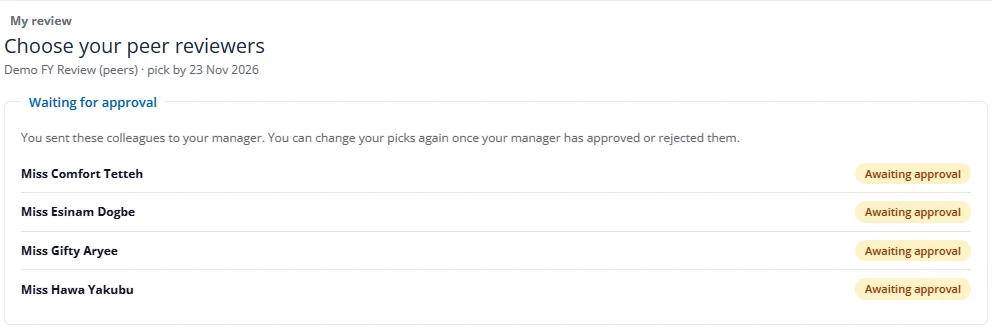
- After you submit, the page shows your picks as Awaiting approval and you cannot change them until your manager approves or rejects them.
Your manager approves or changes your picks. After that you see your approved reviewers by name, but never who has answered, who is still writing, or who declined.