
How do I use the merit matrix and export increments?
- Open the console of the cycle.
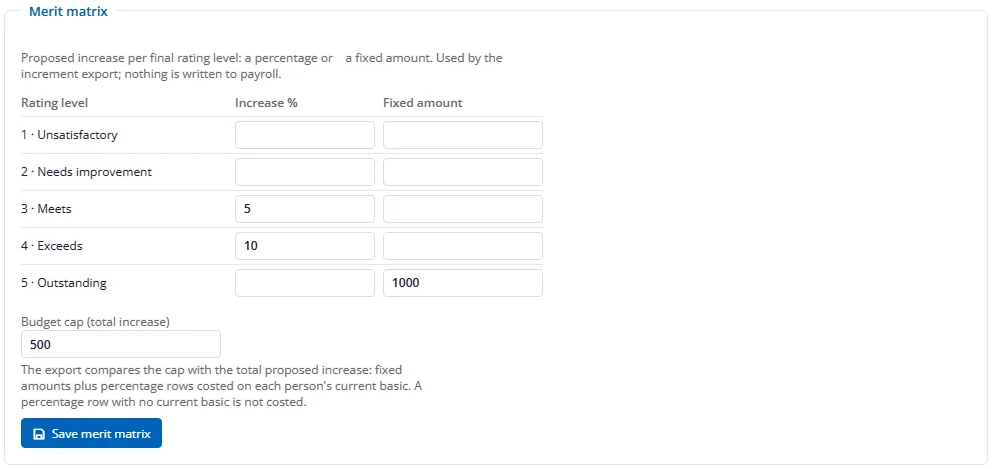
- In Merit matrix, enter for each rating level either an Increase % or a Fixed amount (not both). Leave a level blank for no increase.
- Optionally set a Budget cap, then press Save merit matrix.
Once the cycle is locked, the increment export produces a spreadsheet with one row per person (never your own): final rating, whether it was calibrated, the proposed % or amount, current basic and new basic. The foot of the file shows the total proposed increase, the cap and by how much it is exceeded. Nothing is written to payroll: apply the increases in payroll yourself from the file. Press Increment export at the top of the console (shown once the cycle is locked, to HR with the Export right) to download the file.