How do I set up review templates?
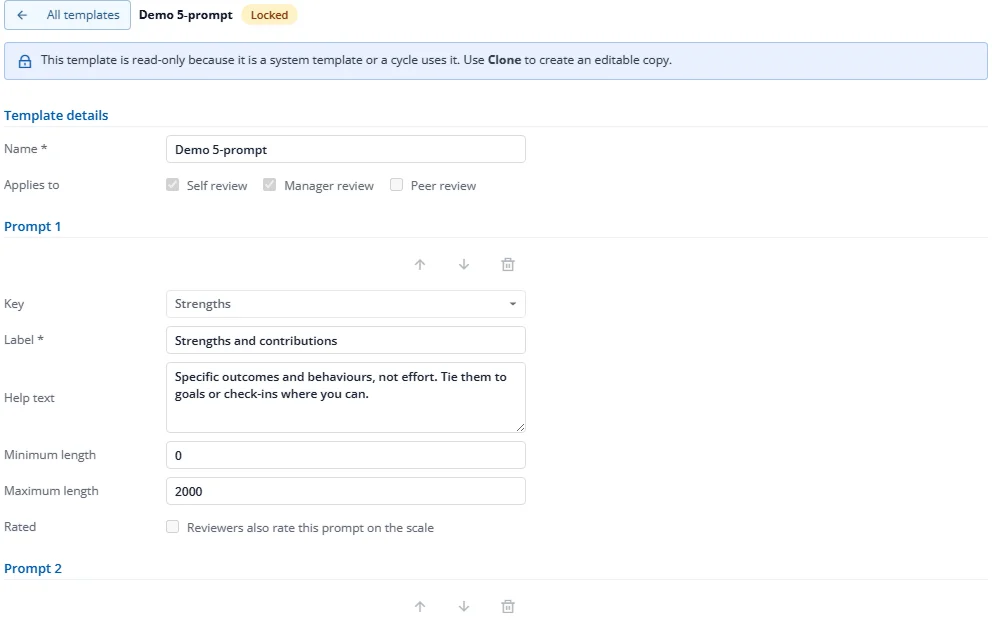
A template holds the questions reviewers answer, such as "Strengths and contributions" and "Growth areas".
- In Performance Settings, choose the Narrative templates tab.
- Press New template, or Clone an existing one.
- Tick who answers it (Self review, Manager review, Peer review). For each question, set the label, help text and optional minimum and maximum length. Tick Rated if reviewers should also rate the question on the scale.
- Press Save.
A template that a cycle uses is read-only. Clone it to change it for the next cycle.