How do I run mid-month payroll?
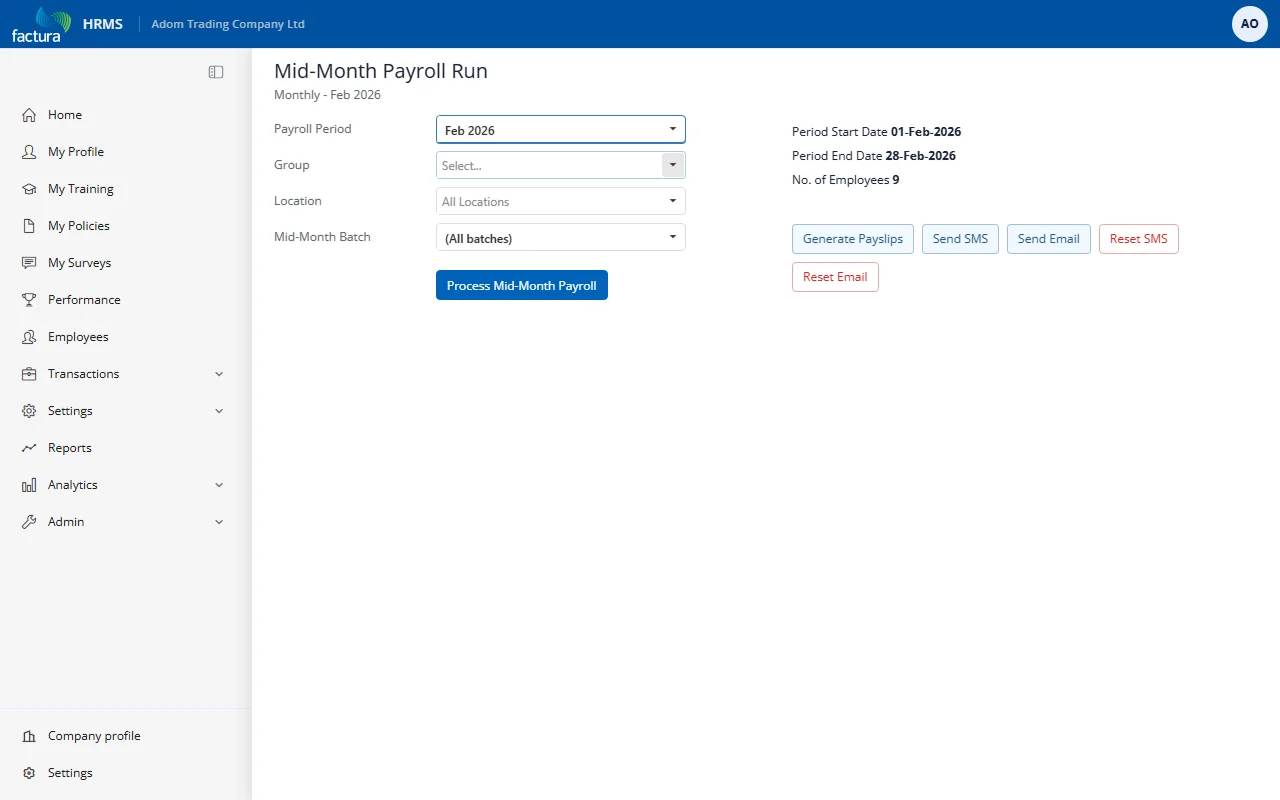
Go to Transactions → Mid-Month Payroll Run.
- Choose Payroll Frequency and Payroll Period. The period start and end dates are shown so you can confirm you have the right one.
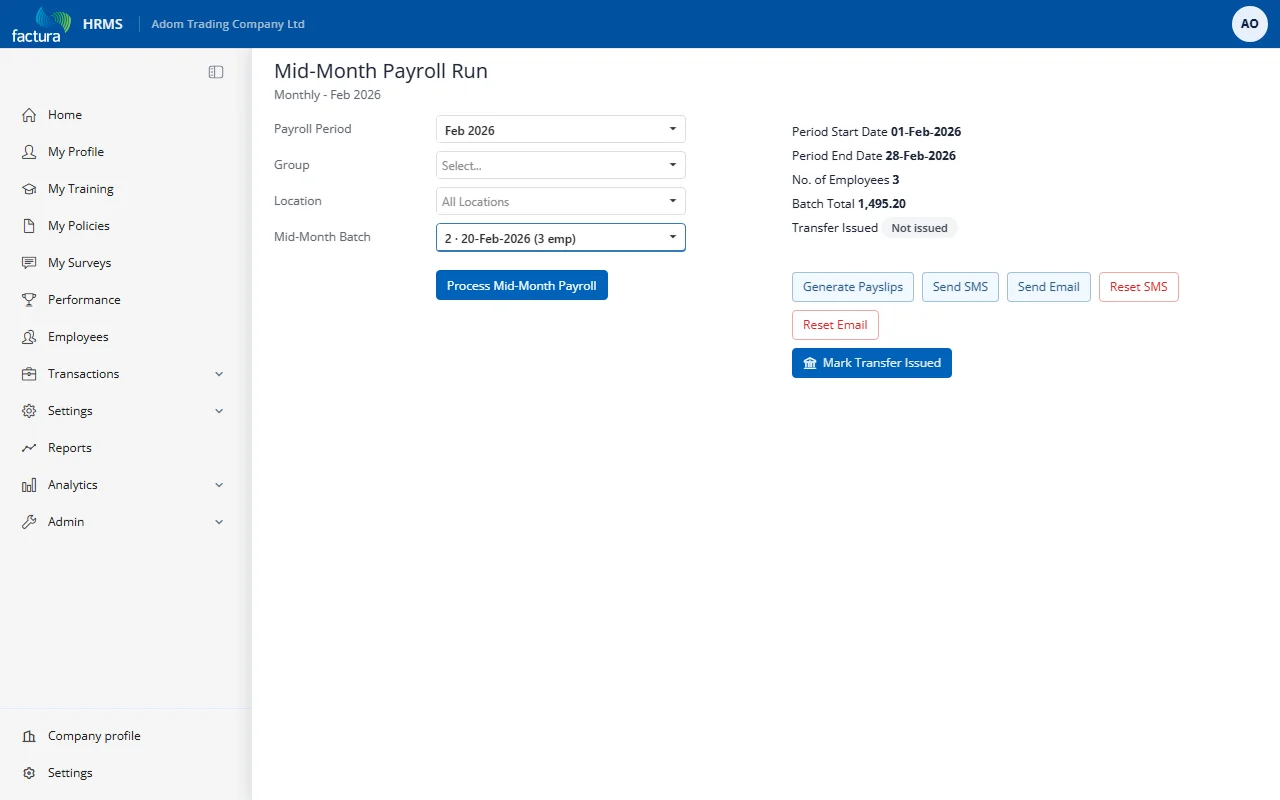
- Choose the Mid-Month Batch, or leave it on (All batches) to work across every batch in the period.
- Process Mid-Month Payroll - prepares the run for the selected period.
- Generate Payslips - produces the mid-month payslips.
- Send SMS / Send Email - notifies employees. Reset SMS and Reset Email clear the sent record if you need to send again.
The screen shows each batch with its Batch Total, its employee count, and whether the transfer has been issued.