How do I approve peer picks?
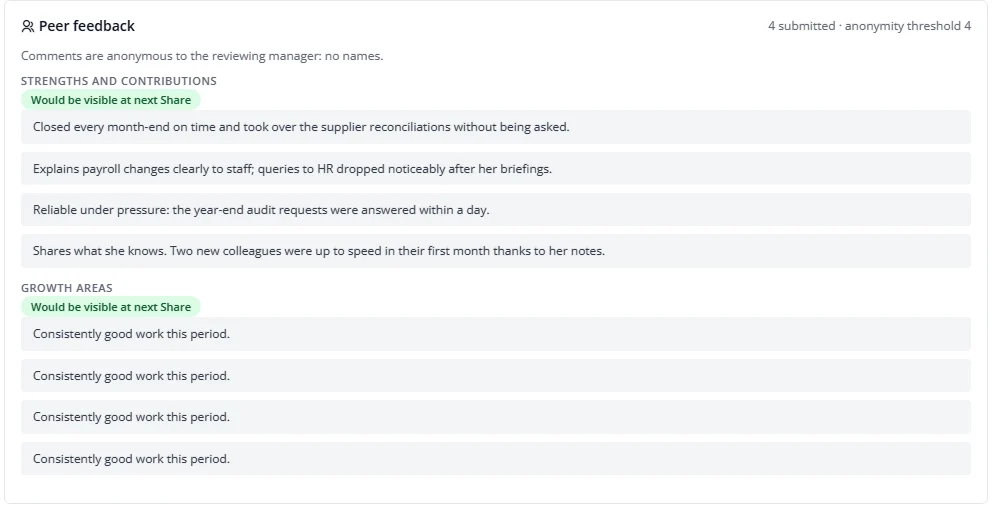
- Under Peers on your home, press Approve peers.
- Untick picks you do not want and give a reason, or add a colleague yourself under Add a colleague.
- Press Confirm decision.
If the approved number leaves no room for one person to decline, you are warned: comments are only shown to the employee when enough peers answer, so one decline could hide all of them.
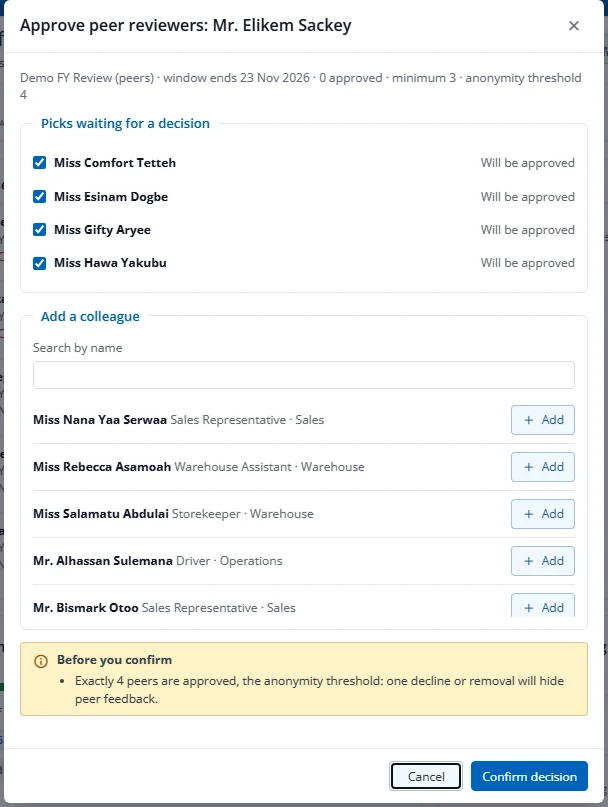
Reading peer feedback. In the review and the packet, the Peer feedback panel shows comments per question, without names unless HR switched names on for the cycle. Questions with too few answers are held back and marked so you can summarise them in your own words.