How do I support an improvement plan?
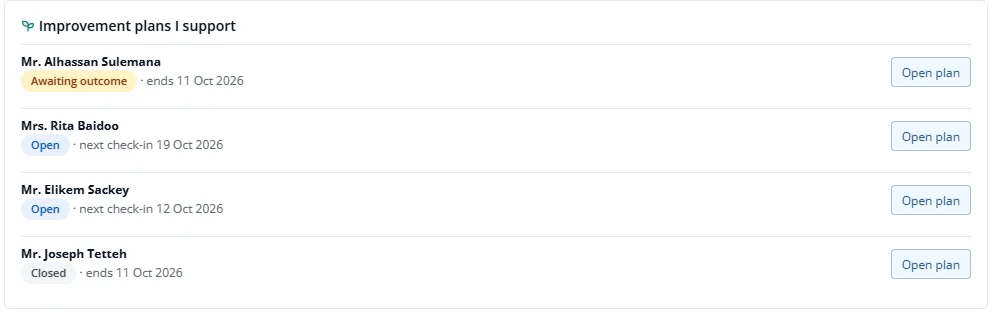
If you are the employee's manager on an improvement plan, it appears under Improvement plans I support on your home.
- Press Open plan.
- Press Check in on a goal, say how it is going and the progress, and add next steps or blockers.
You cannot edit the goals, record the outcome or see HR's outcome note. A manager who is not the plan's manager cannot see the plan at all, even if they manage the employee's review.