How do I share a review?
- When the manager review and any required self review are submitted, the review appears under Ready to share. Press Review and share.
- Check the final rating and comment, then press Share.
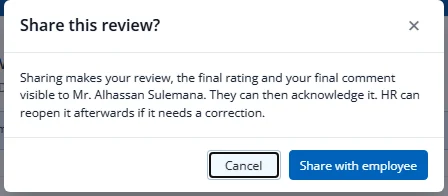
- Confirm with Share with employee.
The employee is notified and can read and acknowledge it. HR can reopen it if something needs correcting. If peer reviews are still outstanding, or the set of peers changed since the last share, the dialog warns you first.