
What do I do if I forgot my password?
If you have forgotten your password, you can request a reset link to be sent to your registered email address.
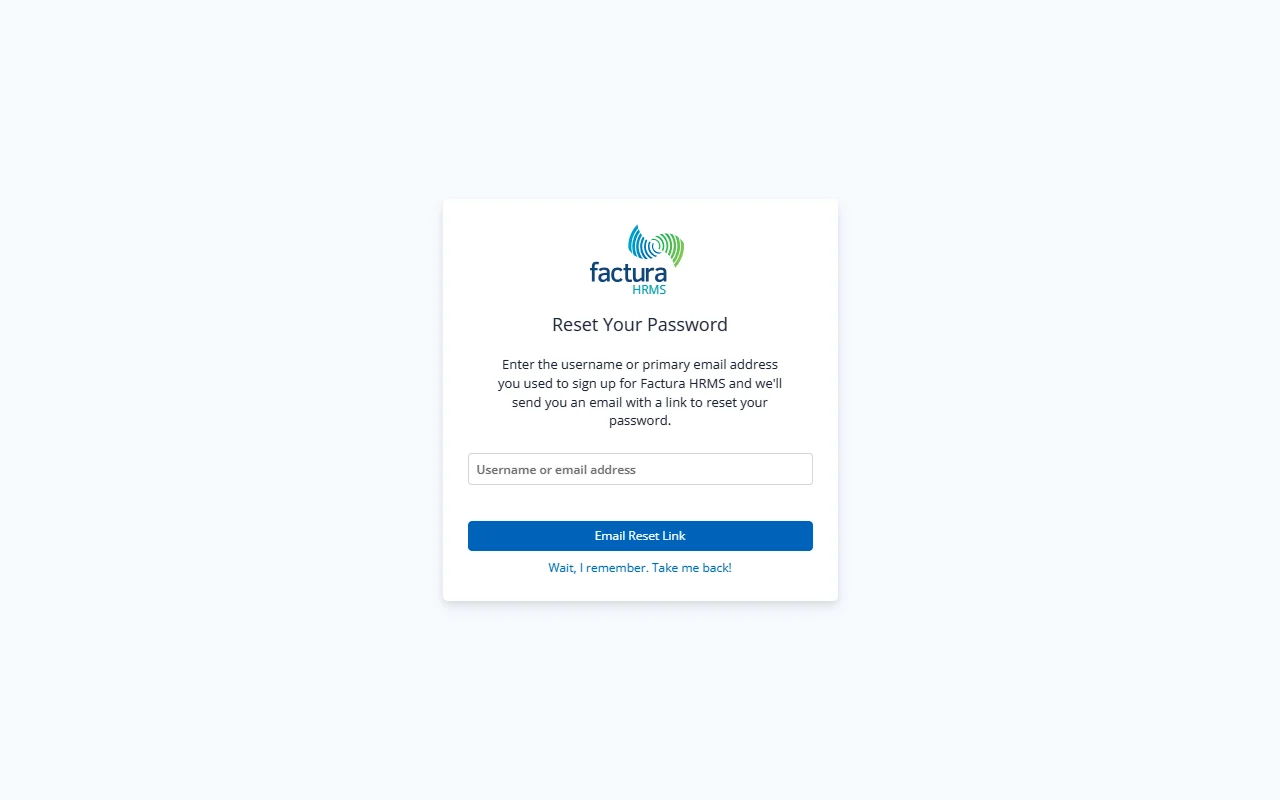
Steps
- On the Login page, click the Forgot password? link (located to the right of the "Remember me" checkbox).
- You are taken to the Reset Your Password page.
- Enter the username or primary email address you used to sign up for Factura HRMS.
- Click the Email Reset Link button.
What Happens Next
- A confirmation screen appears with the message: "Password Reset Link Sent".
- An email is sent to the address on file with a link to reset your password.
- If you don't see the email within a few minutes, check your spam/junk folder. The email is sent from the Factura HRMS system email.
- Click the Return to Login button to go back to the sign-in page.
Resetting Your Password (from the Email Link)
- Open the password reset email and click the reset link.
- You are taken to the Reset Password page.
- Enter your new password in the Password field.
- Re-enter the same password in the Confirm Password field.
- Click the Reset button.
Password Requirements: Your new password must meet the organization's password policy. Both fields must match exactly.
Changed Your Mind?
- Click "Wait, I remember. Take me back!" on the Forgot Password page to return to the login screen without sending a reset email.