How do I build a survey?
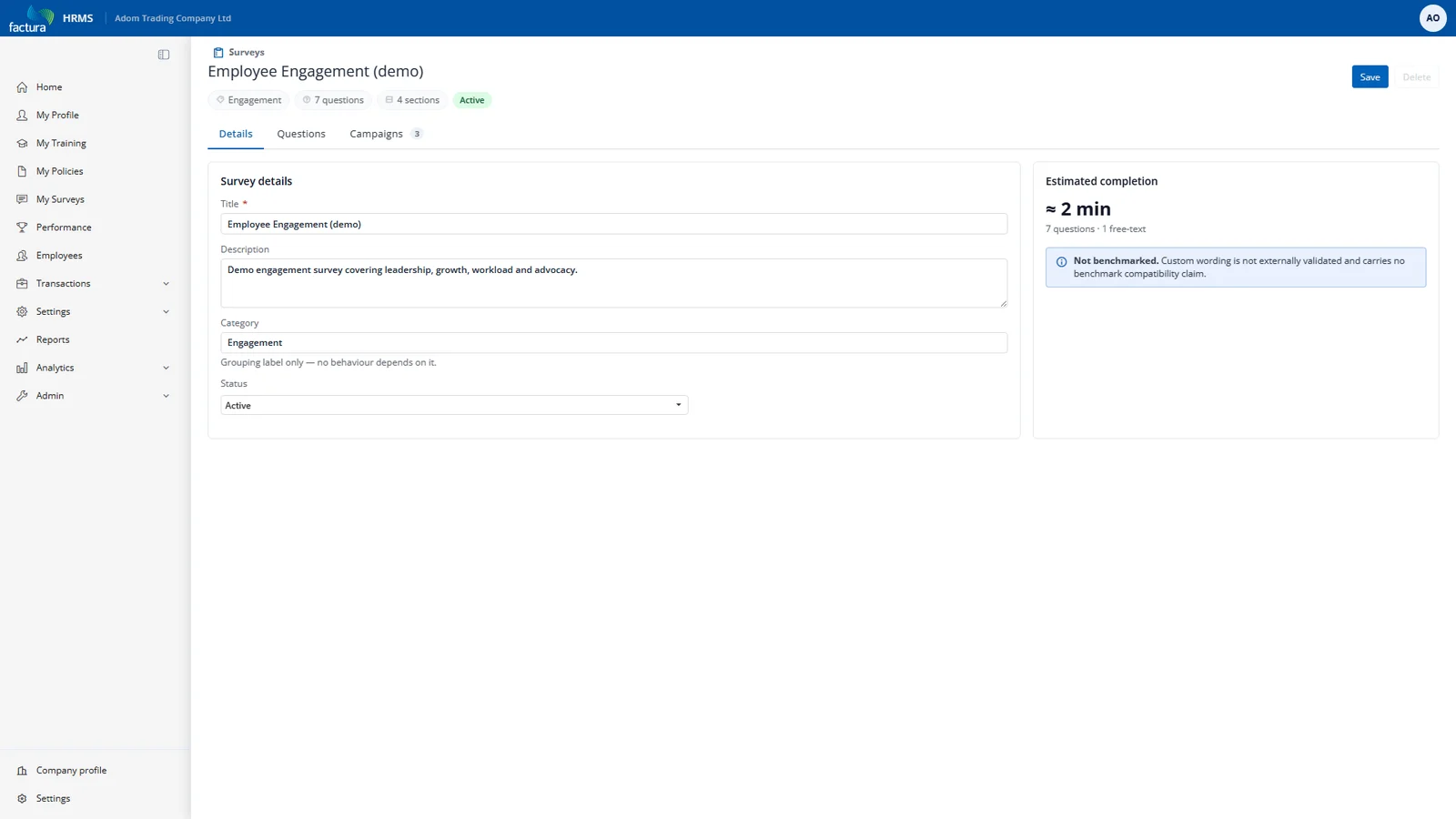
The Surveys page opens on the All Surveys tab, with summary cards above it (Surveys, Open Campaigns, Avg Response Rate and Latest eNPS) and two further tabs, Campaigns and Results. Click New Survey at the top right. Fill in the Details tab first — the other tabs stay locked until the survey exists.
| Field | Notes |
|---|---|
| Title (required) | What employees see as the survey name. |
| Description | Internal context for HR. |
| Category | A label for list grouping — Engagement, Pulse, Onboarding, and so on. Purely organisational: no behaviour hangs off it. |
Click Save. The Questions and Campaigns tabs unlock.