How do I read my improvement plan?
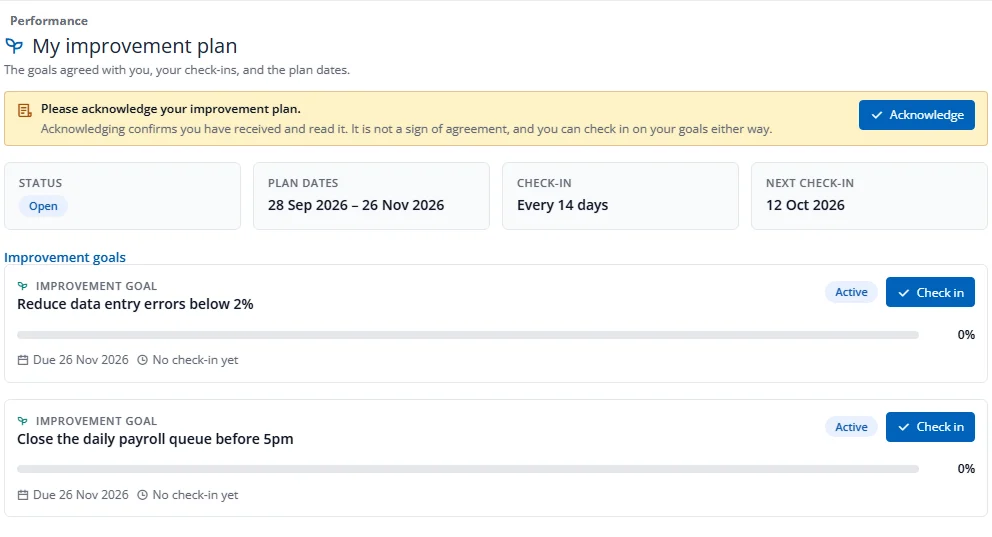
If HR has created an improvement plan for you, your home shows Acknowledge your improvement plan.
- Press Open my plan. You see the plan dates, how often to check in, the next check-in date and your improvement goals.
- Press Acknowledge to confirm you have received and read the plan. It is not a sign of agreement, and you can check in either way.
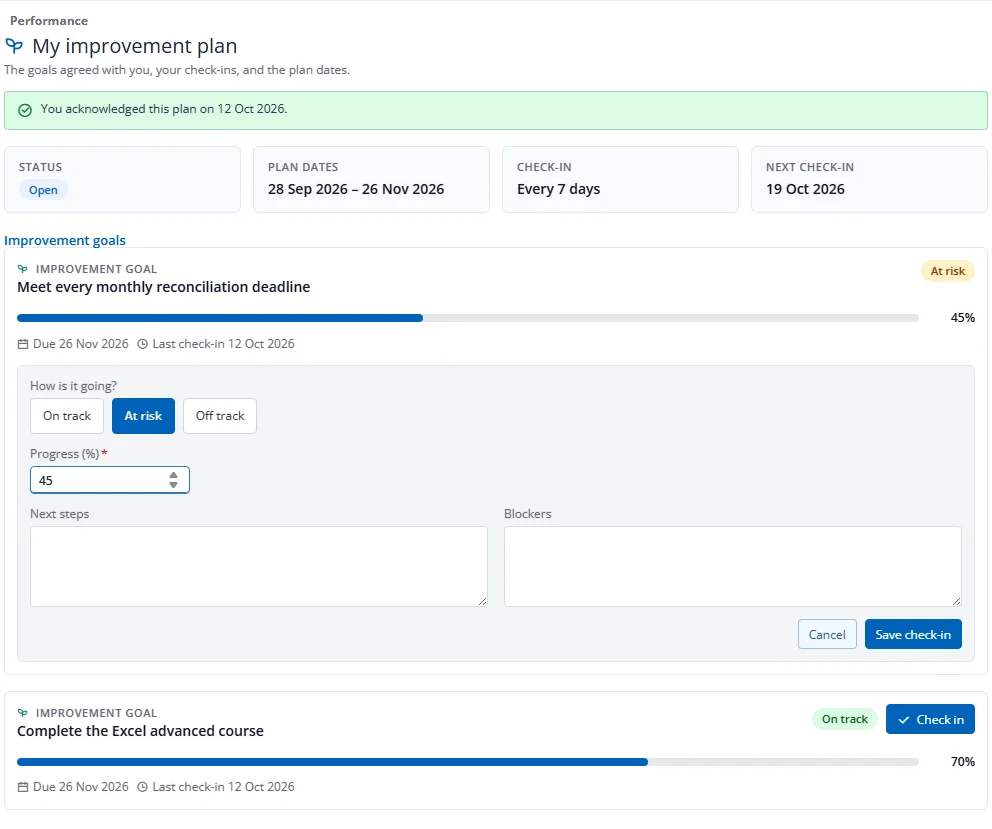
- On a goal, press Check in, choose how it is going, enter your progress and add next steps and blockers, then press Save check-in.
You and your manager are reminded when a check-in is due. When the plan closes you see Met or Not met, and the goals become read-only. You never see HR's note or any Disciplinary case details. Improvement goals never count towards your review score.