Where are performance analytics?
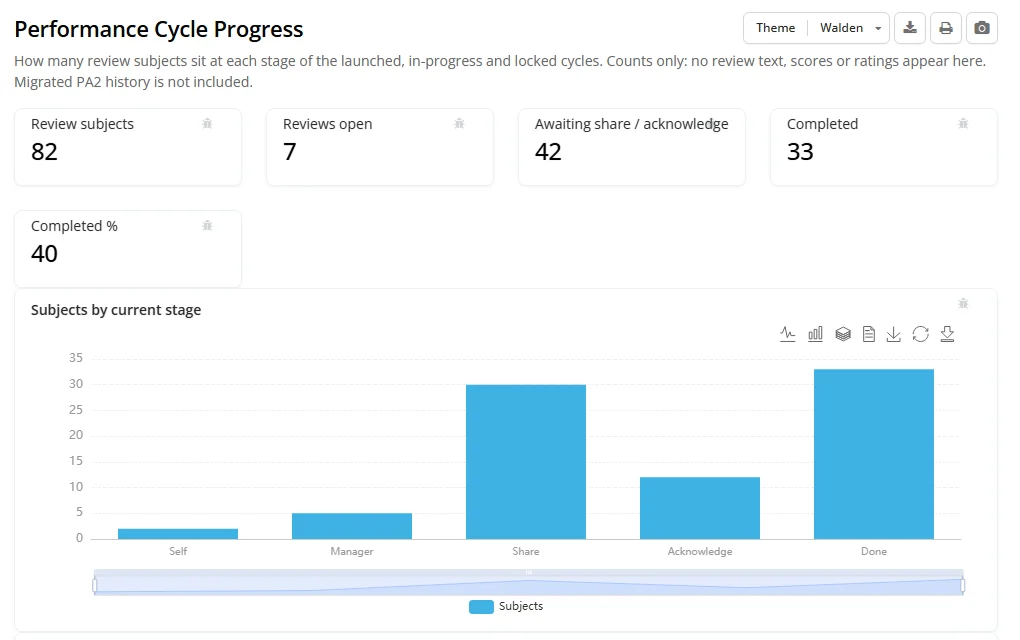
- Performance Cycle Progress dashboard: how many people are at each stage of the running cycles. It shows counts only, never text or ratings. Open it with Progress dashboard on All cycles, or from the Review cycles (HR) block of your Performance home.
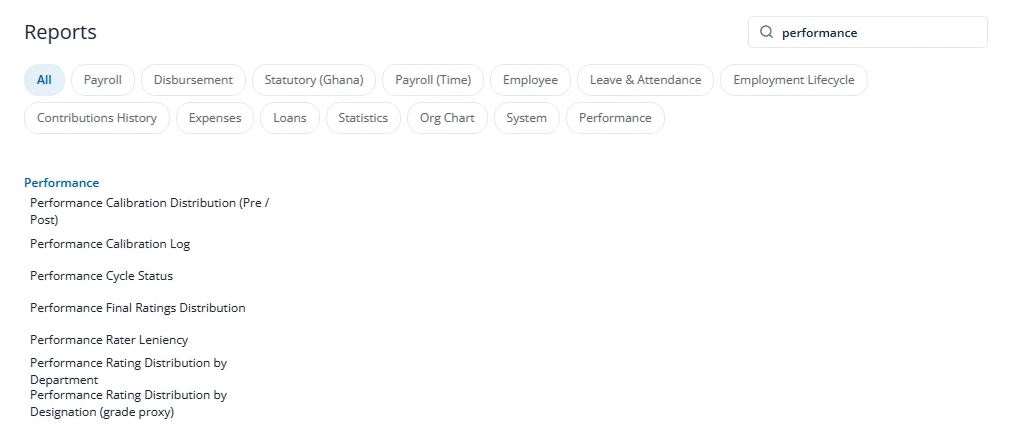
- Reports, category Performance: cycle status, final ratings distribution, calibration distribution (before and after), calibration log, rater leniency (each manager's ratings against the group) and rating distribution by department and by designation.
To protect individuals, the analytics hide all counts when a cycle has fewer than 20 people, hide any cell with fewer than 5 people, and hide peer counts for groups of fewer than 3. These figures are never sent to AI.